Topology tools
Tools for automatically cleaning up the network topology: connect consumers, remove open ends, create intersections and simplify redundant nodes
Overview
Drawn or imported networks are rarely ready to compute right away: consumers hang unconnected next to the route, routes cross without a node, and imports contain short segments and superfluous intermediate points. The topology tools fix these problems automatically. In addition, the statistics and connected indicator show the state of the active network at any time.
How to open
The  Network button in the left toolbar, then the first page General & topology. The tools are located in the Topology editing group.
Statistics and connected indicator
At the top of the page, the following are shown for the active network:
| Indicator | Meaning |
|---|---|
| Nodes: | Number of all network nodes |
| Pipes: | Number of pipe segments (edges) |
| Consumers: | Number of transfer stations |
| Total length: | Route length in m |
| Network is connected: | Checkmark if all nodes hang together; cross if the network breaks apart into several parts |
If the network is not connected, two functions help with troubleshooting:
- Show network parts - colors each connected subgraph in its own color; isolated nodes and pipes are immediately recognizable. As long as the option is active, it replaces the standard display.
 Find network parts - on each click, jumps to the next disconnected network part and highlights it in the scene.
Topology editing tools
All tools change only the active network and can be undone with Ctrl+Z.
Connect consumers
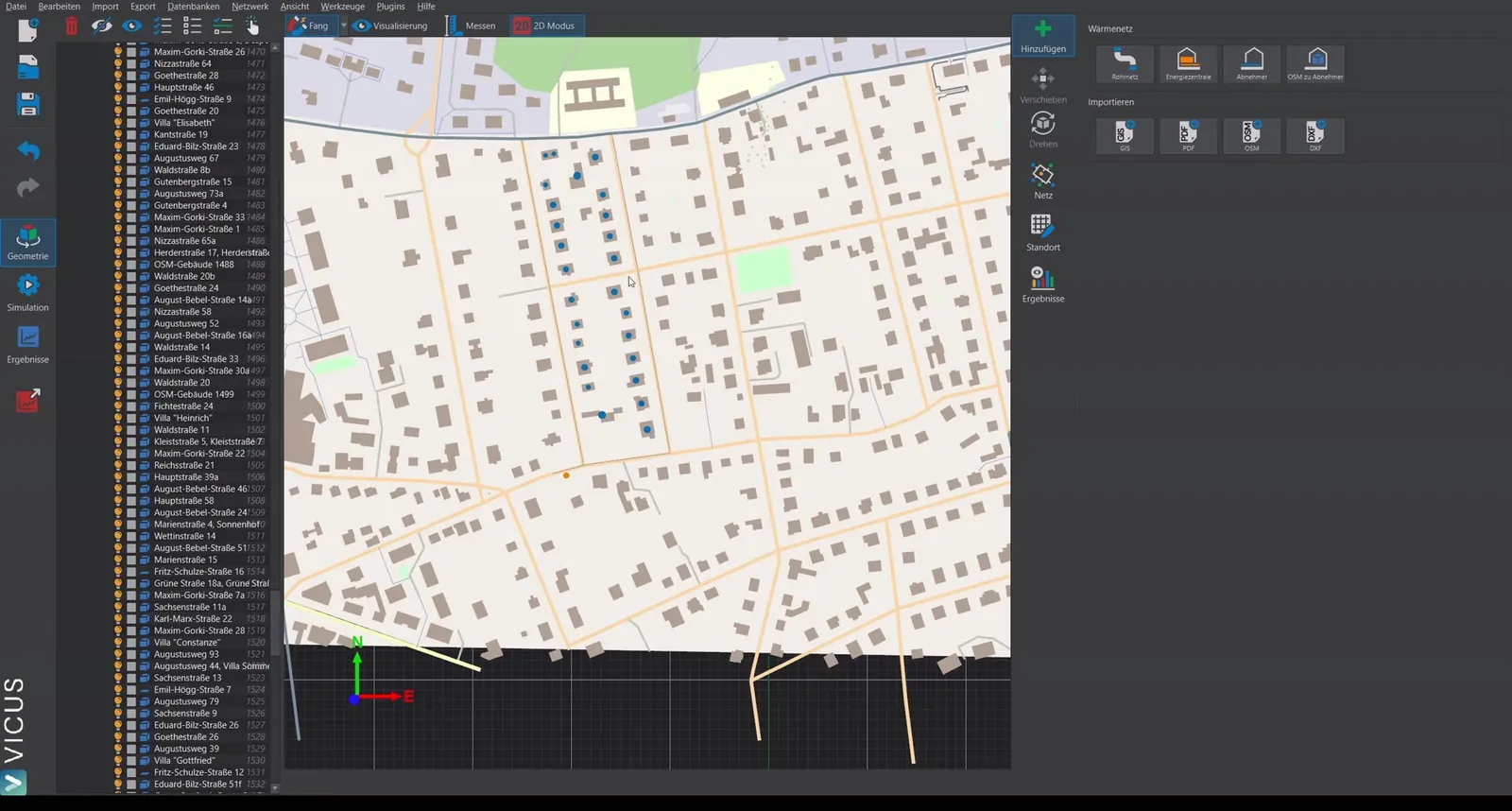
 Connect consumers automatically connects all still-unconnected consumers and energy plants to the pipe network. For each node, the nearest supply route is found, a branch node (mixer) is inserted at the foot of the perpendicular, and a connecting pipe is created; if the foot of the perpendicular is closer than 1 m to the end of the route, the end node - or a branch node inserted just before the route end - is used instead. The button is only active as long as unconnected consumers or energy plants exist.
Consumers that lie directly on a supply route (distance below 0.1 m) cannot be connected - they are skipped and listed in a message. Remedy: move the affected points slightly away from the route and run the tool again.
Remove open ends
 Remove open ends recursively deletes all stub branches that end at a node with only one connected pipe and supply neither a consumer nor an energy plant - typical leftovers from GIS or DXF imports. The button is only active if the network contains open ends.
Create intersections
 Create intersections checks all pairs of pipes for crossings, places a branch node at each intersection, and splits the pipes involved. The process is repeated until no new intersections are found. Only in this way are crossing routes also hydraulically connected.
Simplify topology
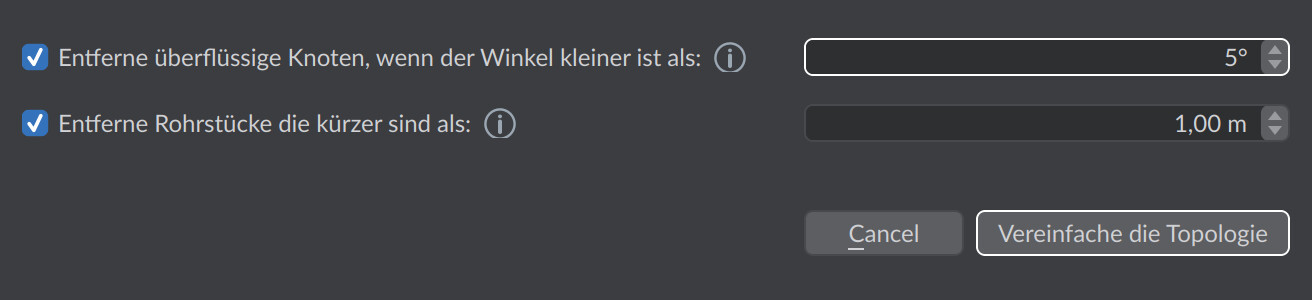
 Simplify topology … opens a dialog for removing redundant nodes and short pipe segments:
| Option | Default | Effect |
|---|---|---|
| Remove superfluous nodes if the angle is smaller than: | enabled, 5° | Merges two consecutive pipe segments if the kink at the shared node is nearly straight (close to 180°). Smaller values retain more nodes. Useful for imported geometry with many auxiliary points. |
| Remove pipe segments shorter than: | enabled, 1.00 m | Deletes pipe segments below the threshold length and merges their endpoints into a single node. Removes zero-length artifacts from intersection creation and imports. |
Confirm with Simplify the topology. After the run, the dialog reports the number of removed pipe segments (Cleanup successful) or that no changes were necessary.
Notes
- Recommended order after an import: first Create intersections, then Simplify topology …, then Connect consumers, then Remove open ends, and finally Query elevations.
- The Query elevations button is also located in the Topology editing group. It belongs at the end of the sequence, because the query only covers the nodes present in the active network at that moment - see Elevation query.
In practice
Keep to this order - each step builds on the previous one: Create intersections is what first connects crossing routes hydraulically, Simplify topology clears away import artifacts and zero-length segments before Connect consumers finds clean connection points. Remove open ends then deletes only genuine stub branches. Anyone who connects consumers first often creates connections to routes that are cleaned up shortly afterwards anyway. The elevation query comes last of all: it fetches the terrain elevations for the nodes that exist by then - nodes created later stay at z = 0 and have to be brought up to date with another query.