Simulation with multiple energy plants
District heating network, part 9: thermo-hydraulic simulation with multiple feed-in points
Overview ▶ 0:09
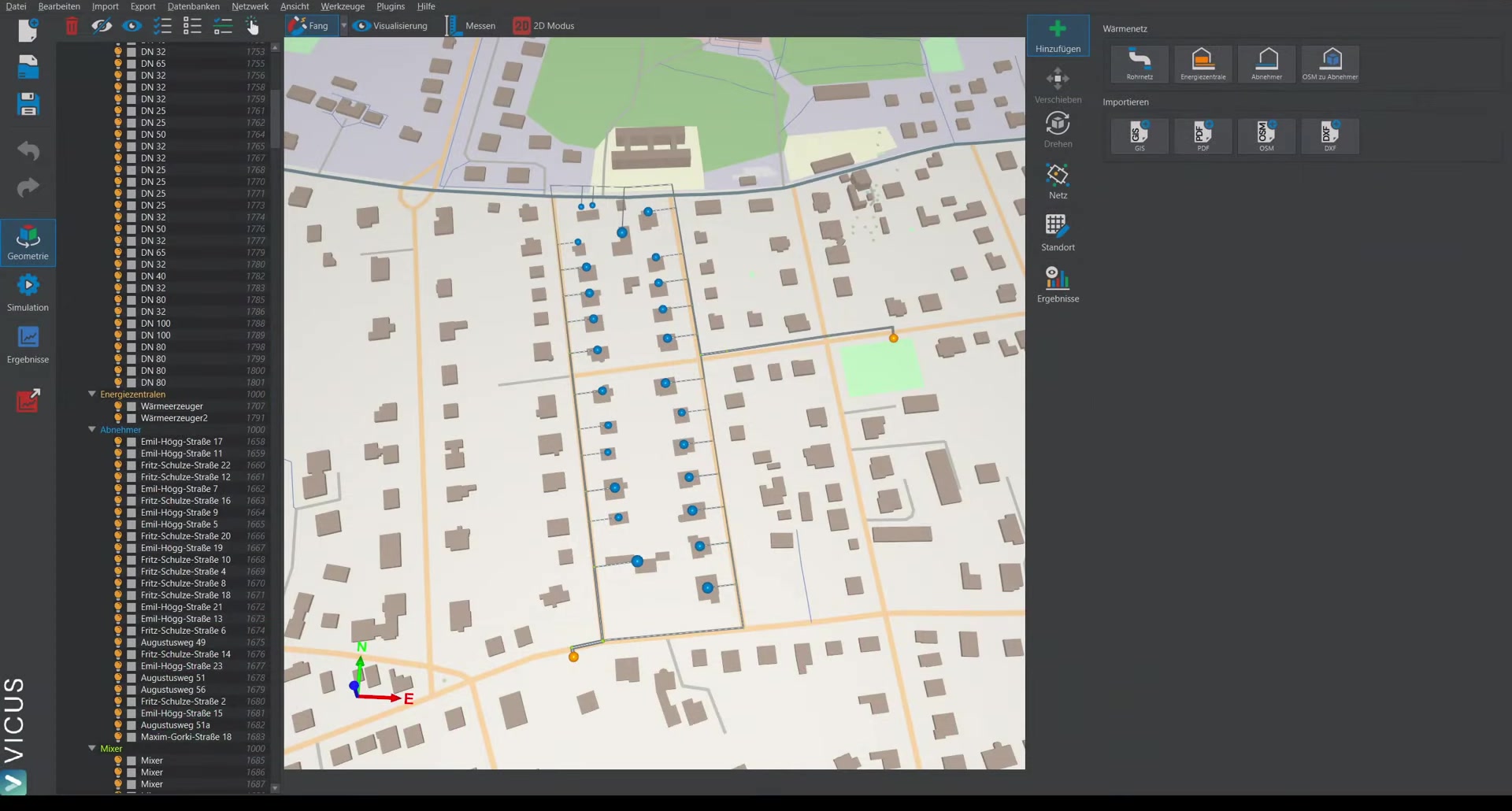
This tutorial demonstrates how to perform a steady-state simulation with multiple energy plants. The starting point is the network from the previous video, in which the pipe sizing with two energy plants has already been performed.
Assigning a system to the second energy plant ▶ 0:36
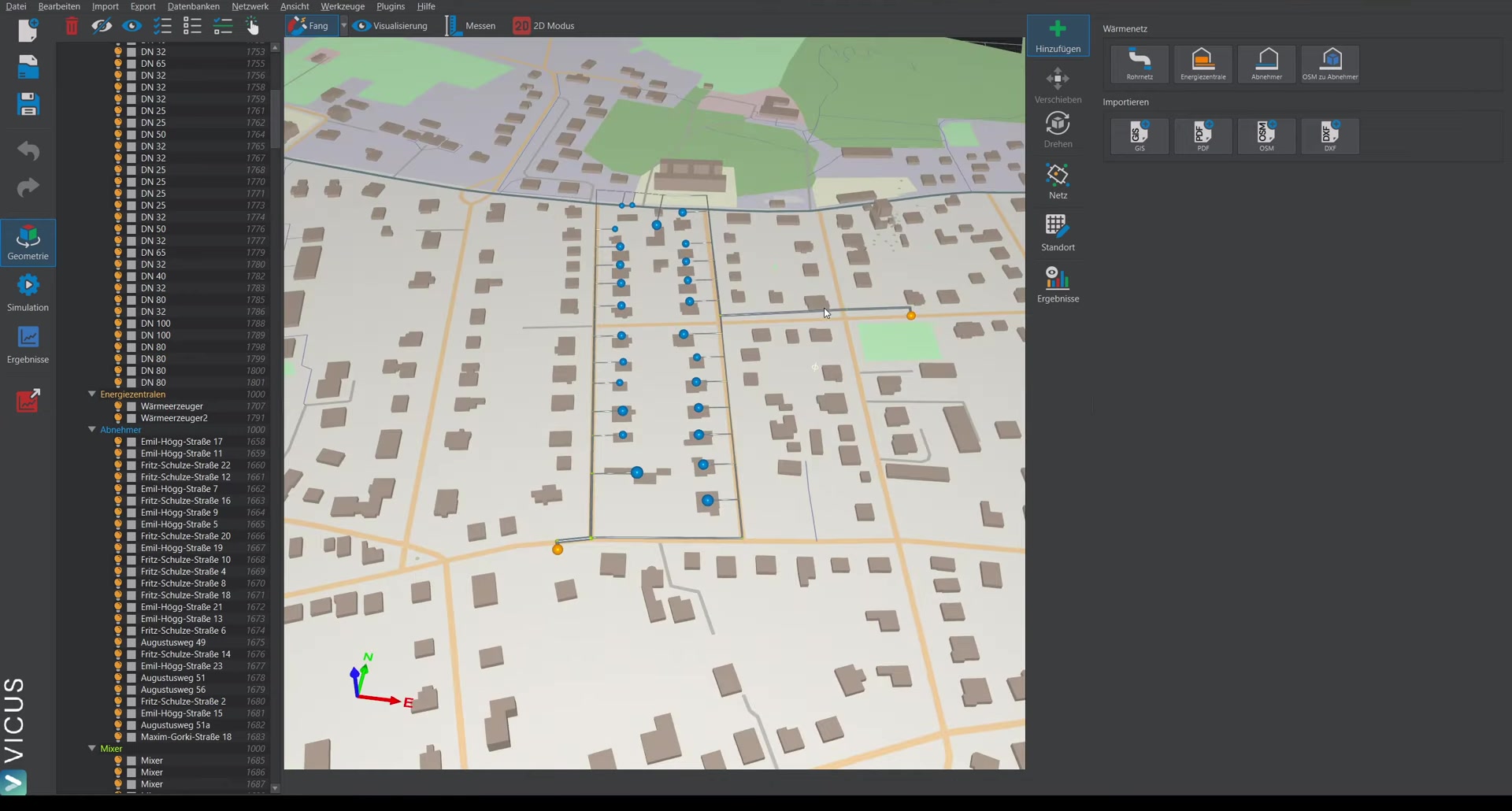
The newly created energy plant does not yet have a system assigned. The procedure is:
- Assign a new system from the database — copy the existing energy plant.
- Assign a name, e.g. “Energy plant 2”.
- In the editor, set a different head (e.g. 1.0 bar) to study the effect on the heat feed-in.
Steady-state simulation with constant demand ▶ 1:58
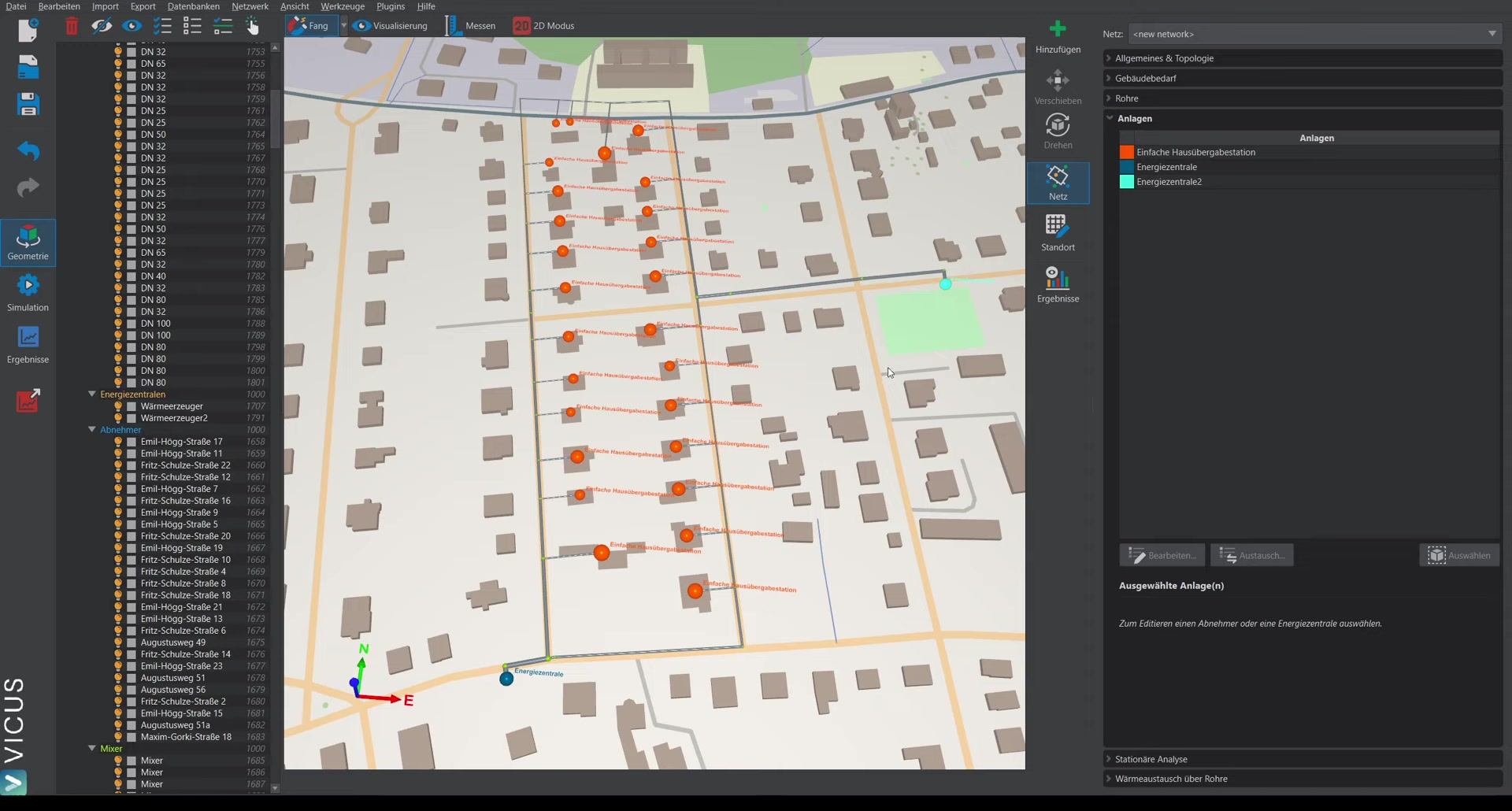
The steady-state analysis in this version only works with a single energy plant. Instead, the dynamic simulation is used with a constant demand at the consumers:
- Switch to Building demand.
- Using smart selection, select all consumer nodes.
- In the demand model, set a constant demand.
- Start the simulation over one day — with constant values, a steady state is quickly reached.
Evaluating the results ▶ 3:44
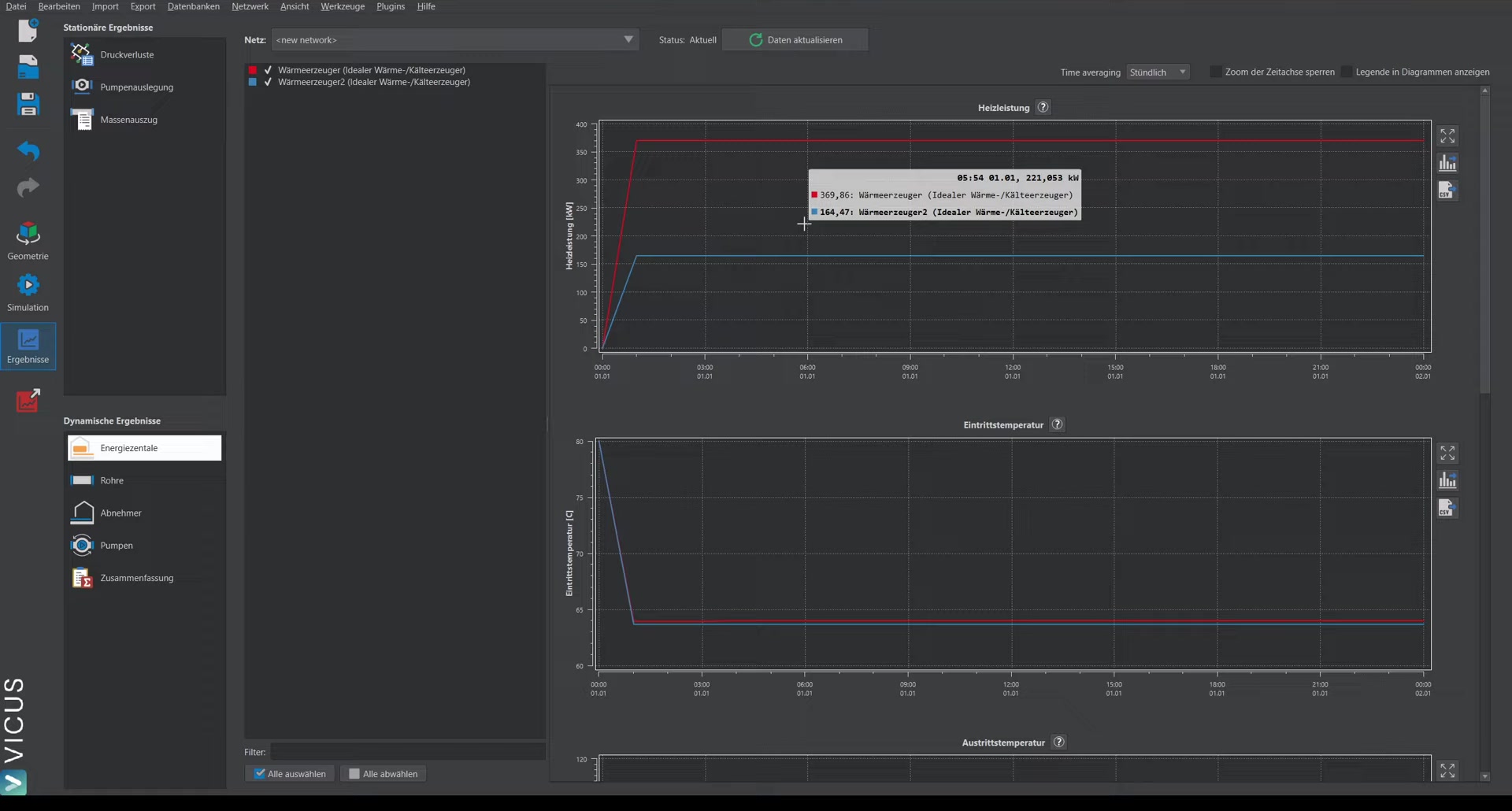
After the simulation, the results under Energy plant show the heating power fed in by each energy plant:
- Heat generator 1: approx. 369 kW
- Heat generator 2 (with 1.0 bar head): approx. 165 kW
Checking the temperature difference ▶ 4:32
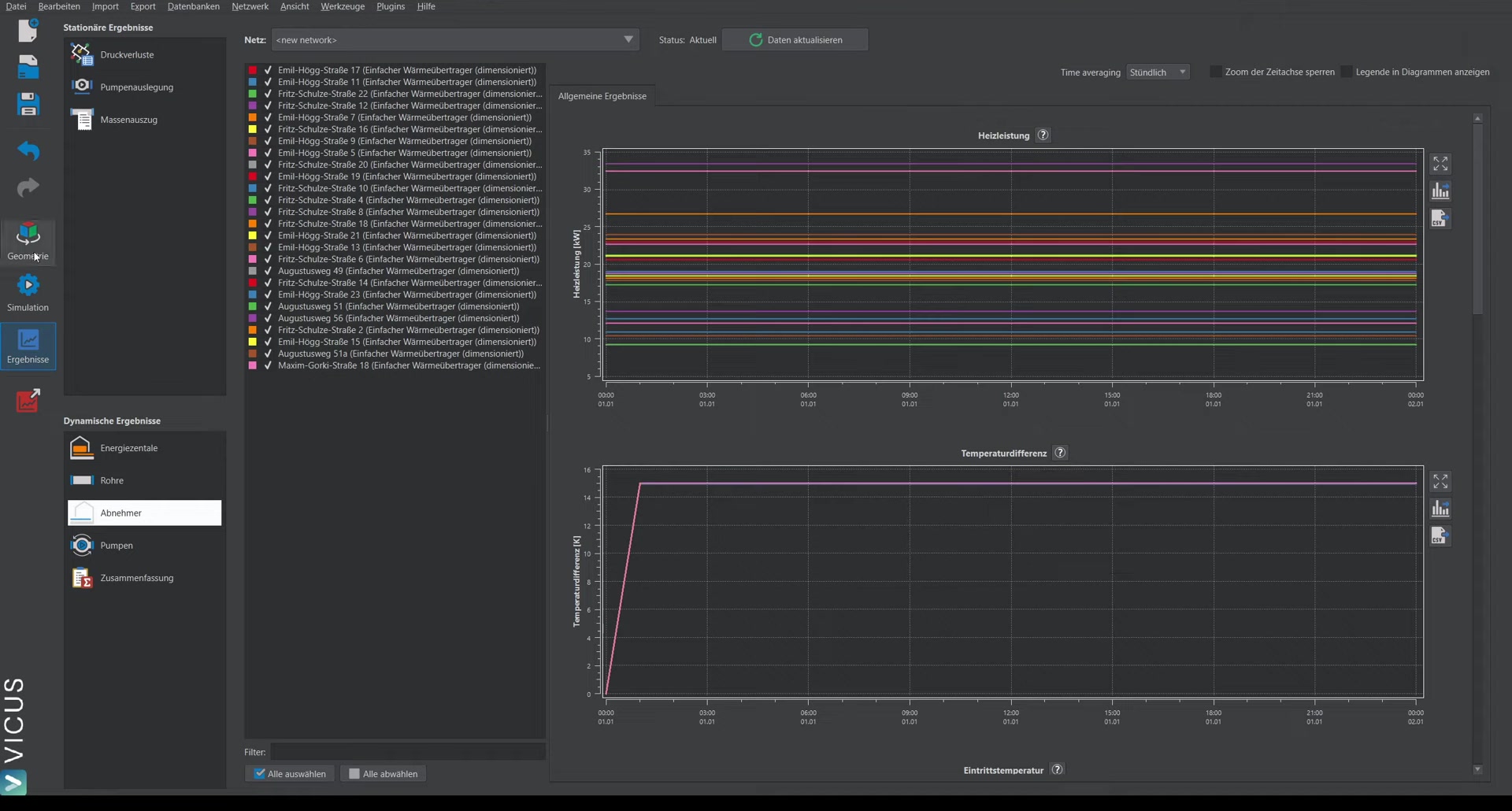
Important: Even in steady-state simulations, you must check whether the desired temperature difference (here 15 Kelvin) is reached at the consumers. If the temperature difference rises significantly, this is a sign that the pumps are undersized.
Investigating the effect of the pump pressures ▶ 5:19
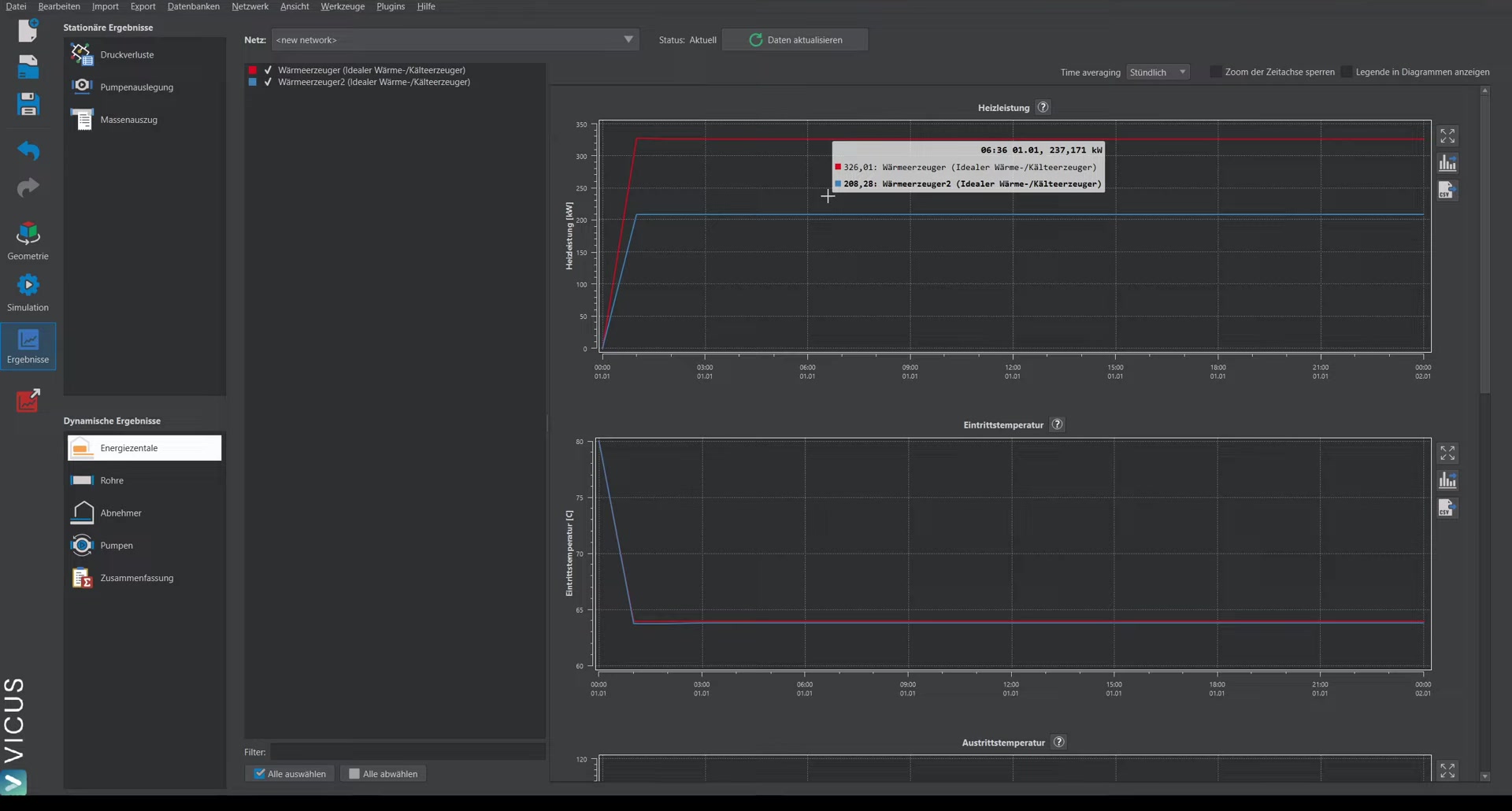
By changing the pump head, the effect on the heat feed-in can be investigated iteratively:
- Increase the head of the second energy plant to, for example, 1.5 bar.
- Start the simulation again.
- The results show: heat generator 2 now feeds in approximately 200 kW (previously 165 kW), while heat generator 1 has dropped from around 400 kW to 326 kW.
Transition to dynamic simulation ▶ 6:28
With this method, you can iteratively check which heat generator feeds in how much heat — initially for the peak load case. For a dynamic annual simulation, the demand model is simply switched back to a predefined time series:
- Select all consumers.
- Instead of constant demand, select Predefined time series again.
- The annual simulation can then be carried out as usual.