Steady-state calculation & checking the sizing
Cold district heating, part 2: perform the steady-state calculation and verify the network sizing
Overview ▶ 0:10
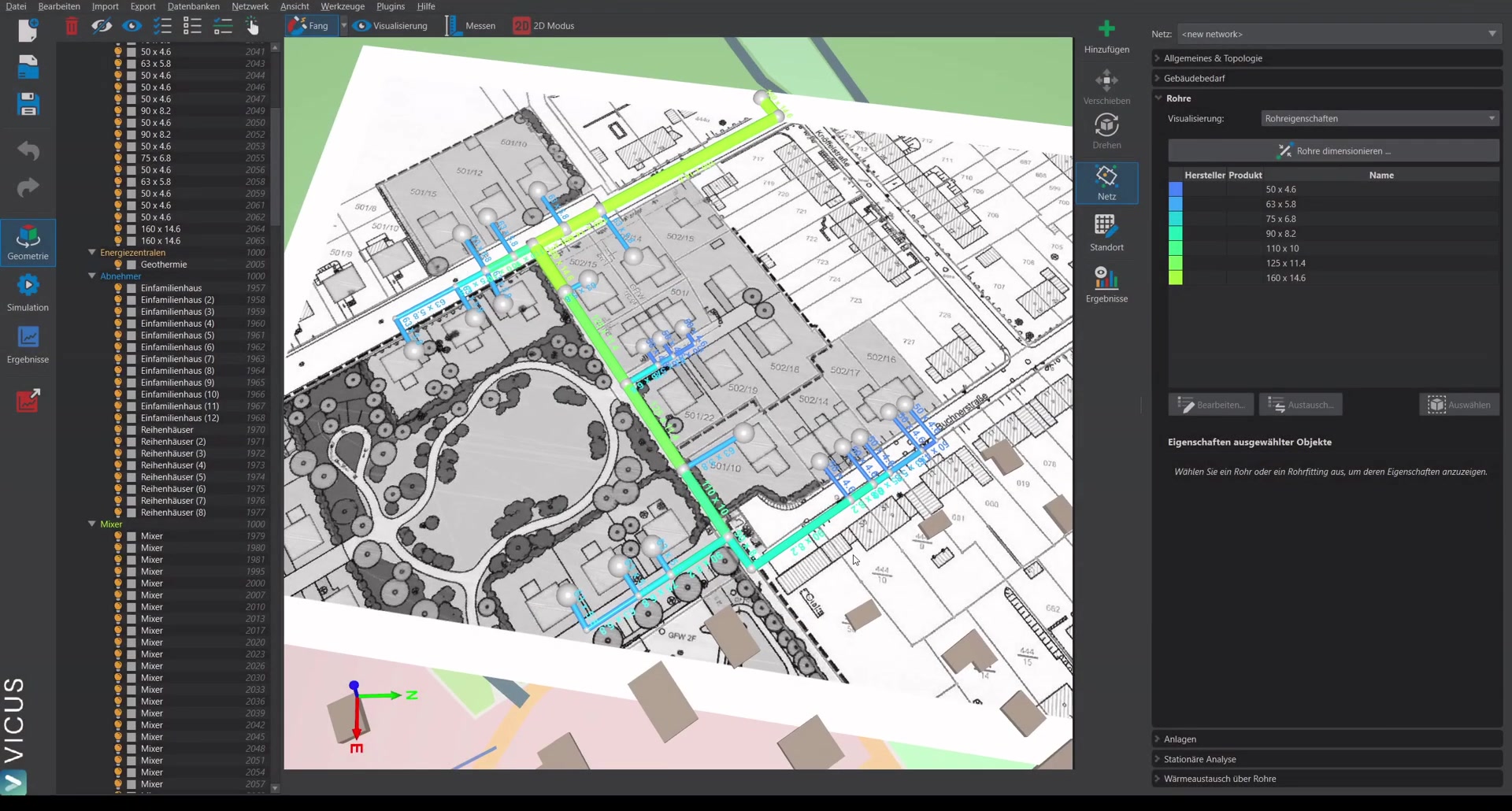
In this second tutorial, the network is calculated hydraulically and the pipe sizing is verified. The goal is to ensure that the pressure losses in the network can be handled by the installed pumps.
Adjusting the display ▶ 0:30
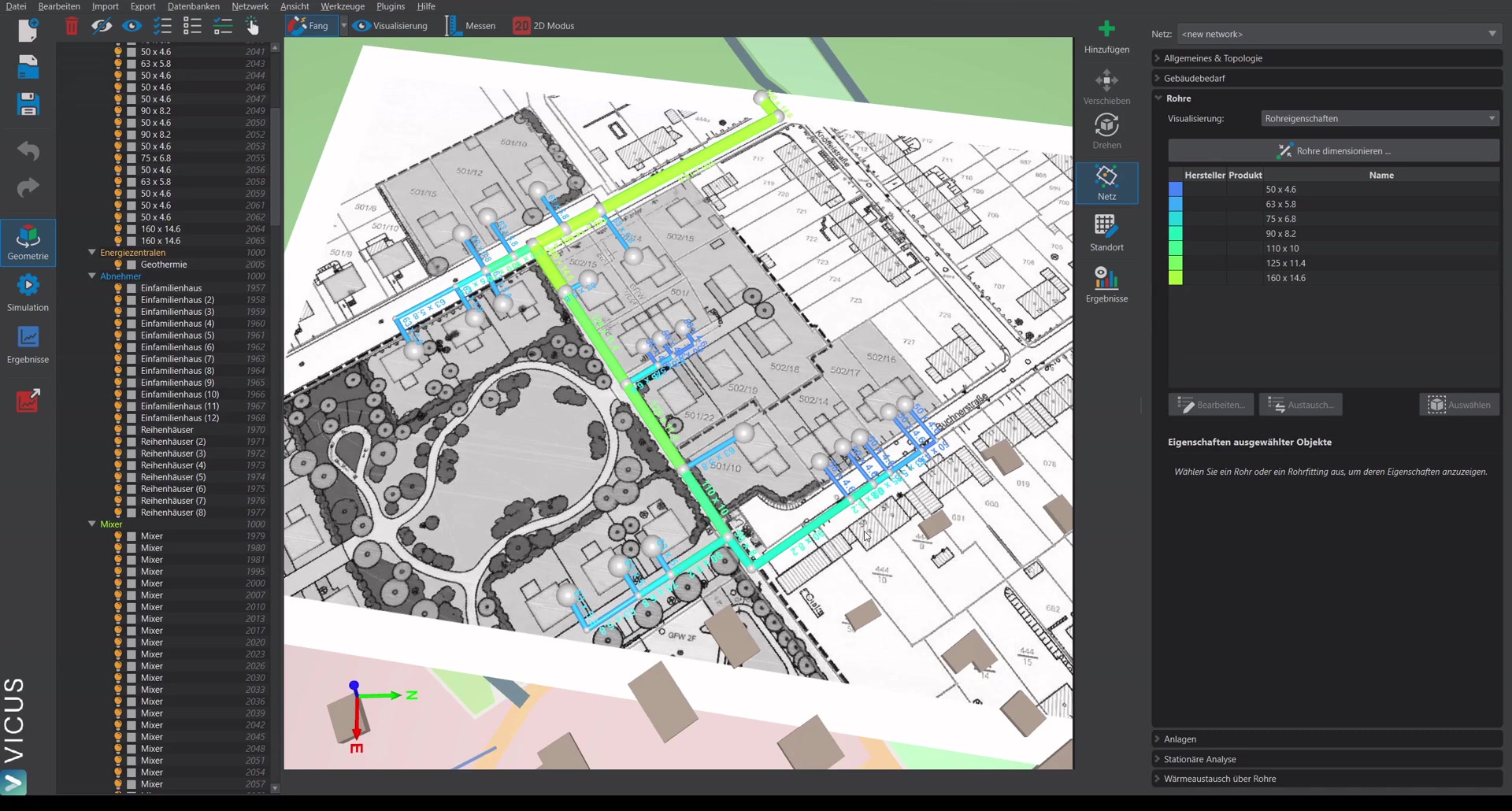
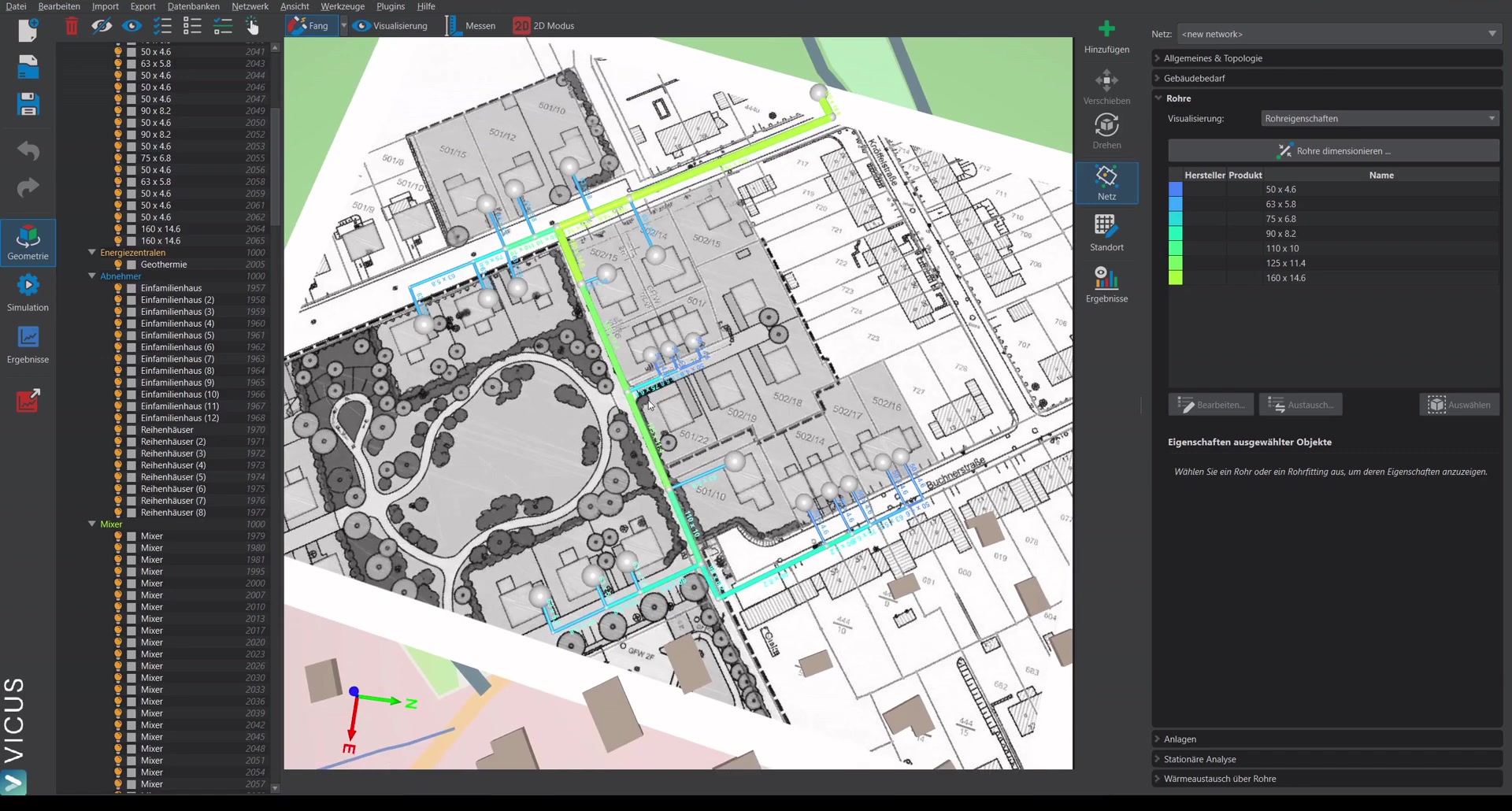
Under Visualization, various display options can be configured:
- Scale the pipe network smaller for better recognition.
- Set a uniform text color.
- Adjust the text scaling.
Setting up systems ▶ 0:58
On the Systems tab, decentralized heat pumps are already assigned. For the energy plant (probe field), a new system must be created:
- Select the energy plant and click Assign new system.
- Create a new system in the database.
- Select the geothermal probe field as the element.
- Add a quadratic pressure-loss element as a second element for the manifold (e.g. 0.1 bar at 45 m³/h volume flow).
- Connect the elements in series.
- Assign meaningful names (e.g. “Manifold” for the pressure-loss element, “Probe field” for the overall system).
Parameterizing the geothermal probe field ▶ 2:30
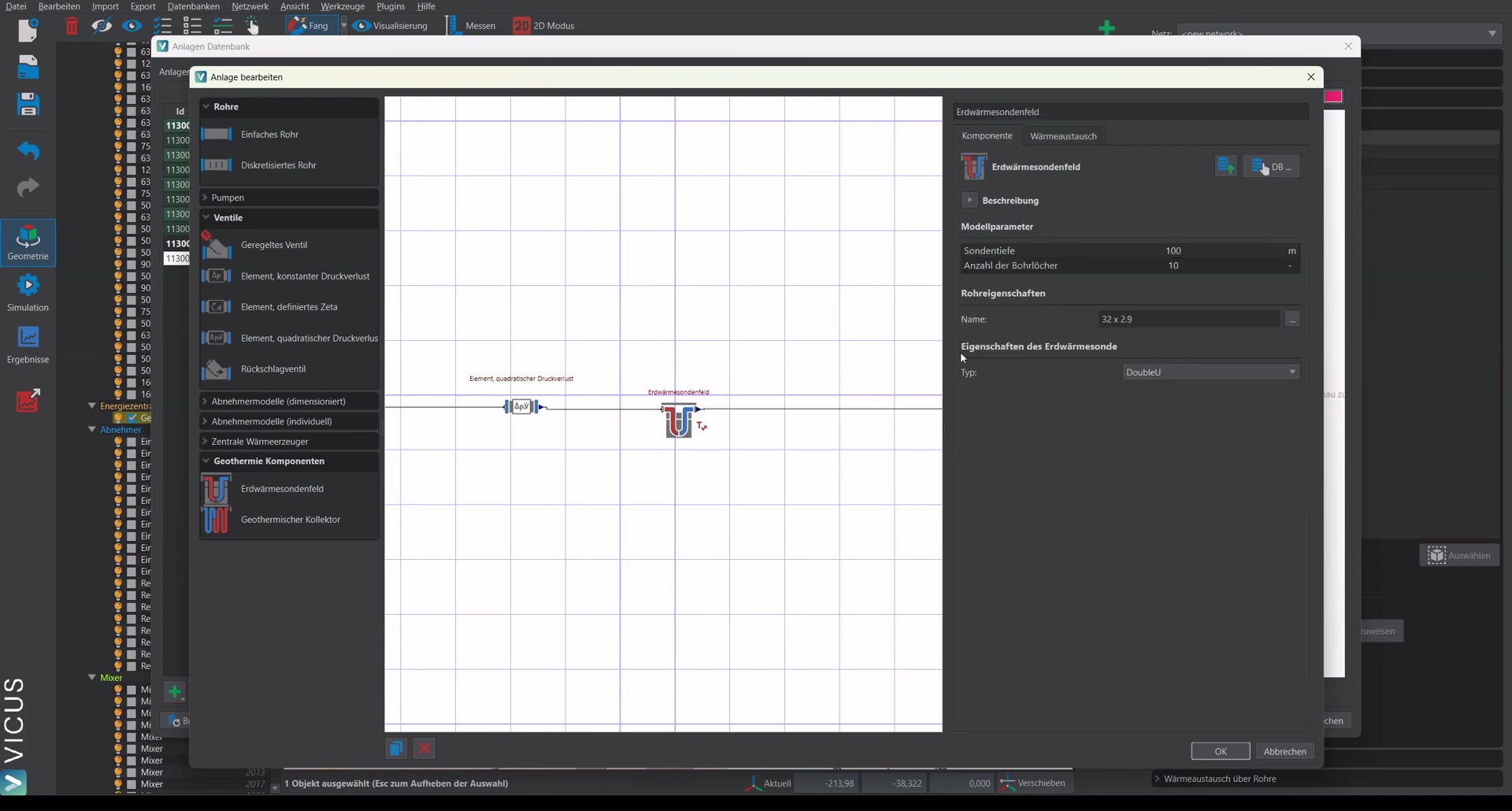
For the probe field, the hydraulic consideration is done first. Probe sizing is covered in a separate video. In this example, 25 probes are configured at a depth of 100 m each with 32 mm pipes.
Performing the steady-state calculation ▶ 3:34
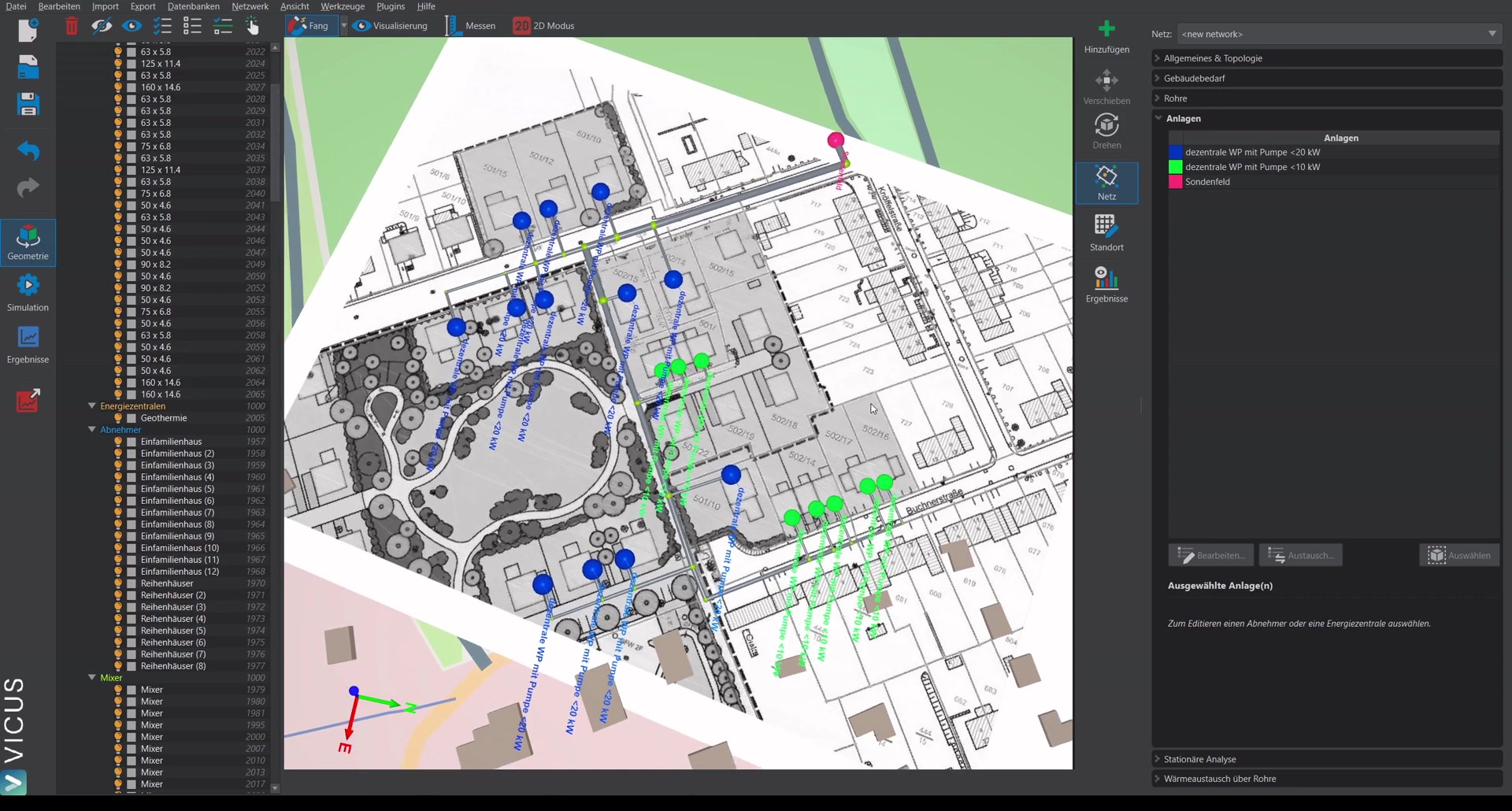
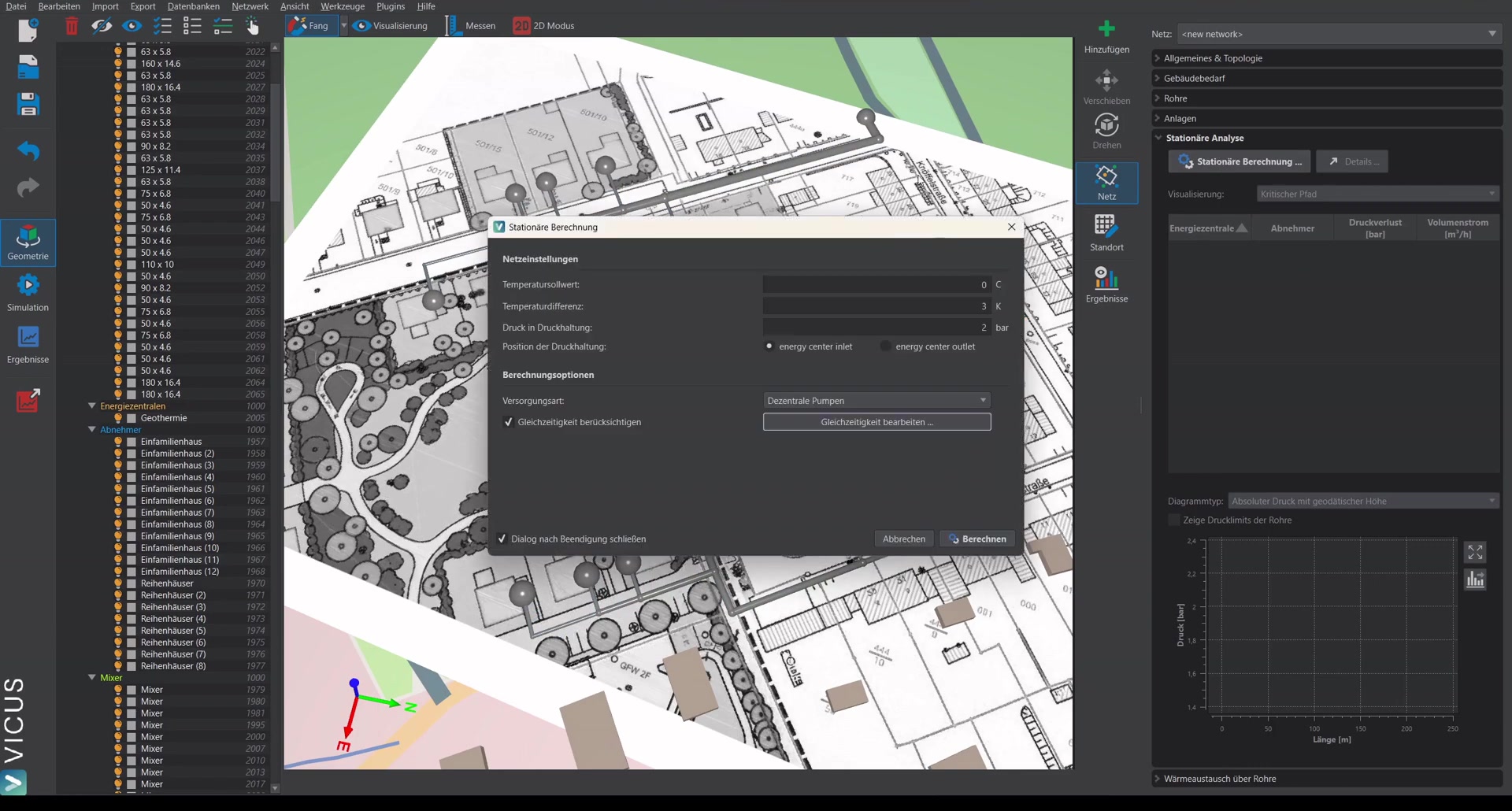
- Open the steady-state calculation dialog.
- The supply temperature is specified for the fluid viscosity.
- Set the temperature difference to 3 Kelvin.
- Select decentralized pumps as the supply option.
- Start the calculation.
Evaluating the results ▶ 4:02
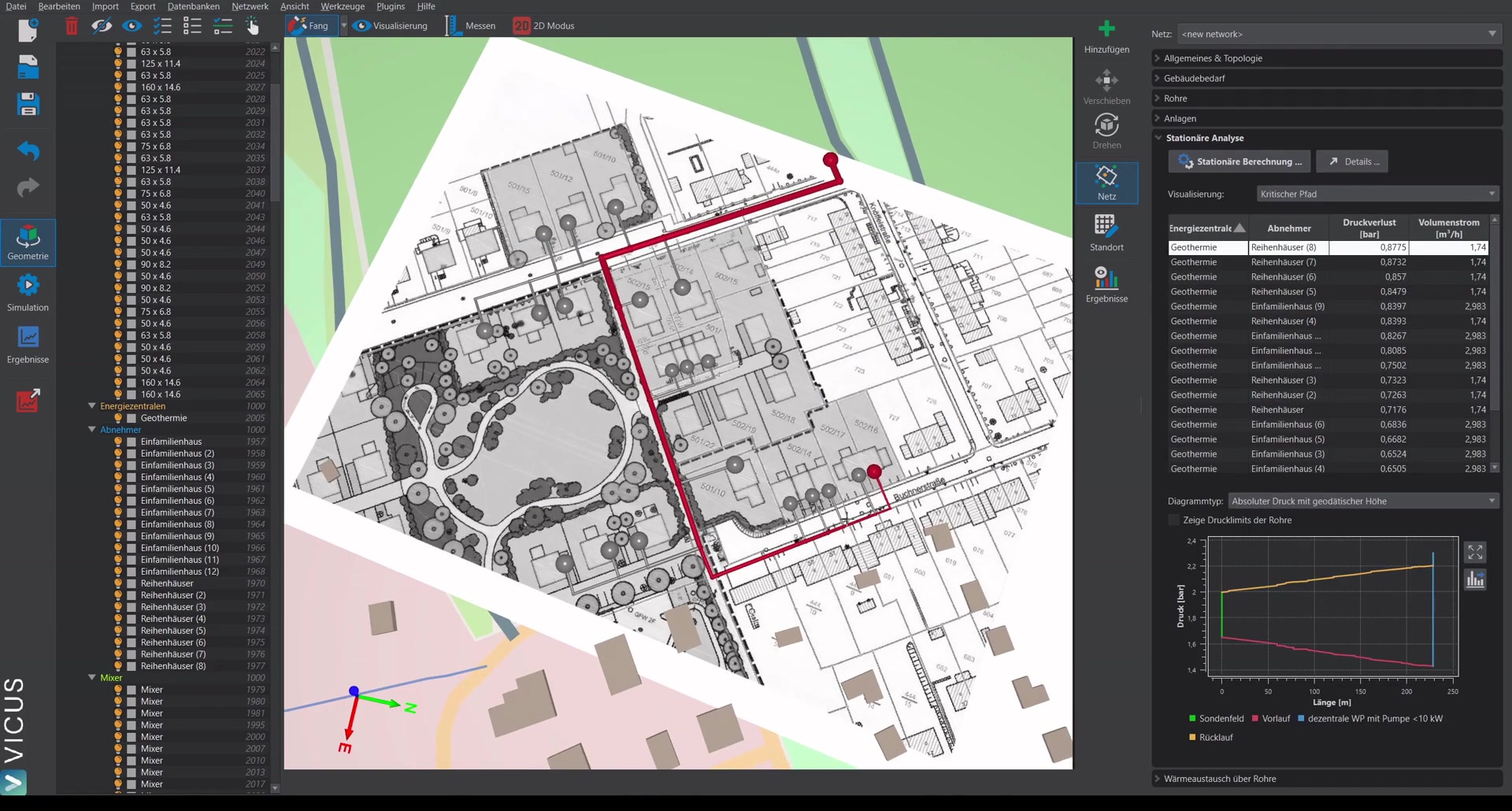
After the calculation, the following is shown:
- Pressure loss at the worst point (e.g. 0.87 bar)
- Visualization of various calculation results
- Via the Details button: detailed breakdown of the pressure loss (manifold, probe field, network) along with the corresponding volume flow
Checking the pump sizing ▶ 4:24
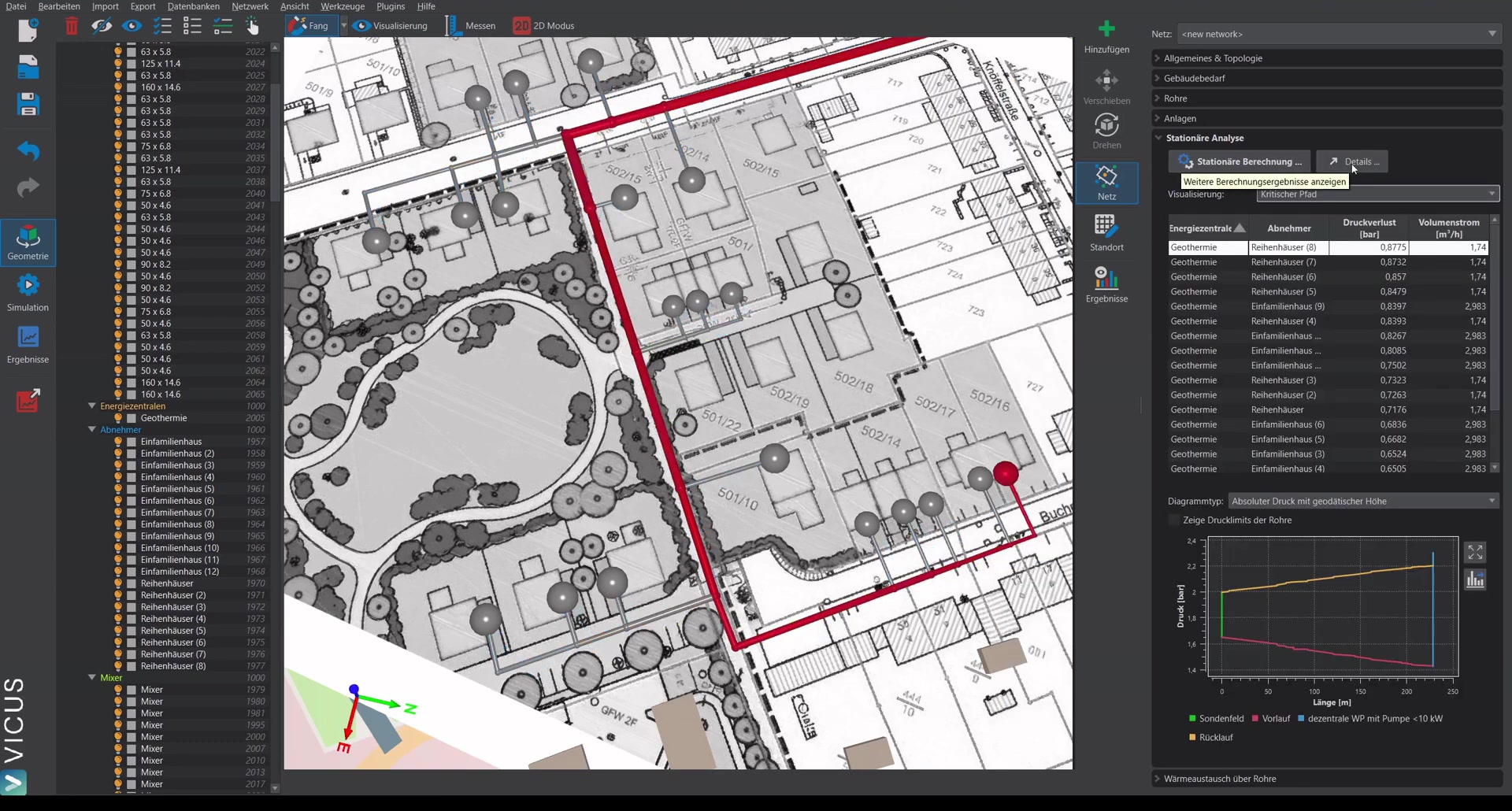
Pump sizing shows whether the stored pumps can handle the calculated pressure loss. For a cold district heating network with decentralized pumps, these are usually already built into the heat pump.
If the pressure loss exceeds the pump capacity, the sizing must be adjusted.
Optimizing the sizing ▶ 5:22
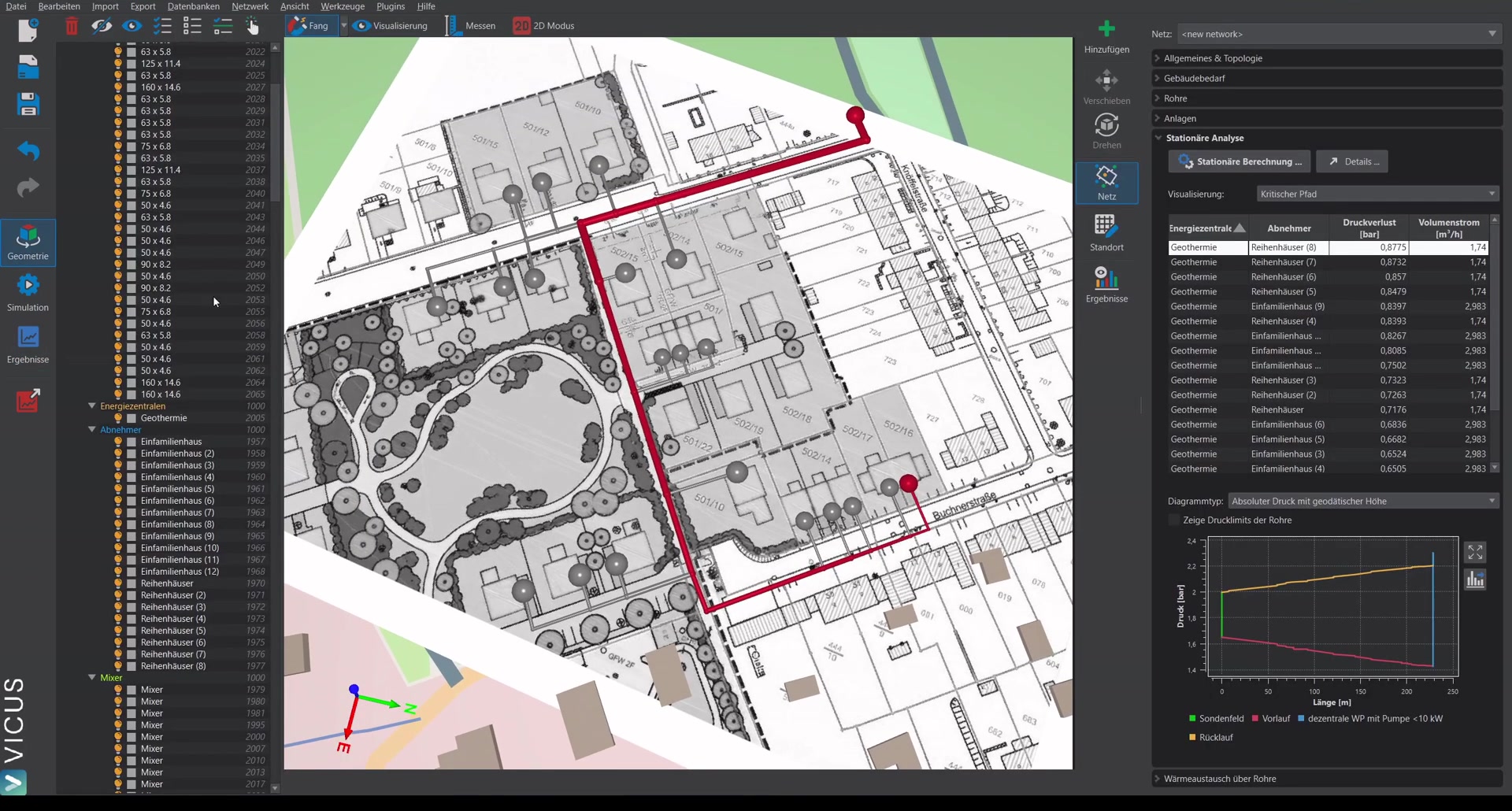
To reduce the pressure loss, the sizing method can be changed:
- Open the pipe sizing dialog.
- Switch from maximum pressure loss per pipe length to maximum pump head.
- Use Shift-click to select all entries and enter the maximum head (e.g. 0.75 bar).
- Run the sizing again.
Verifying the result ▶ 6:31
After running the steady-state calculation again, the maximum pressure loss should be within the limit (e.g. 0.7 bar for a limit of 0.75 bar). Pump sizing now shows that the operating point lies within the pump’s operating range.
Assigning pumps ▶ 7:18
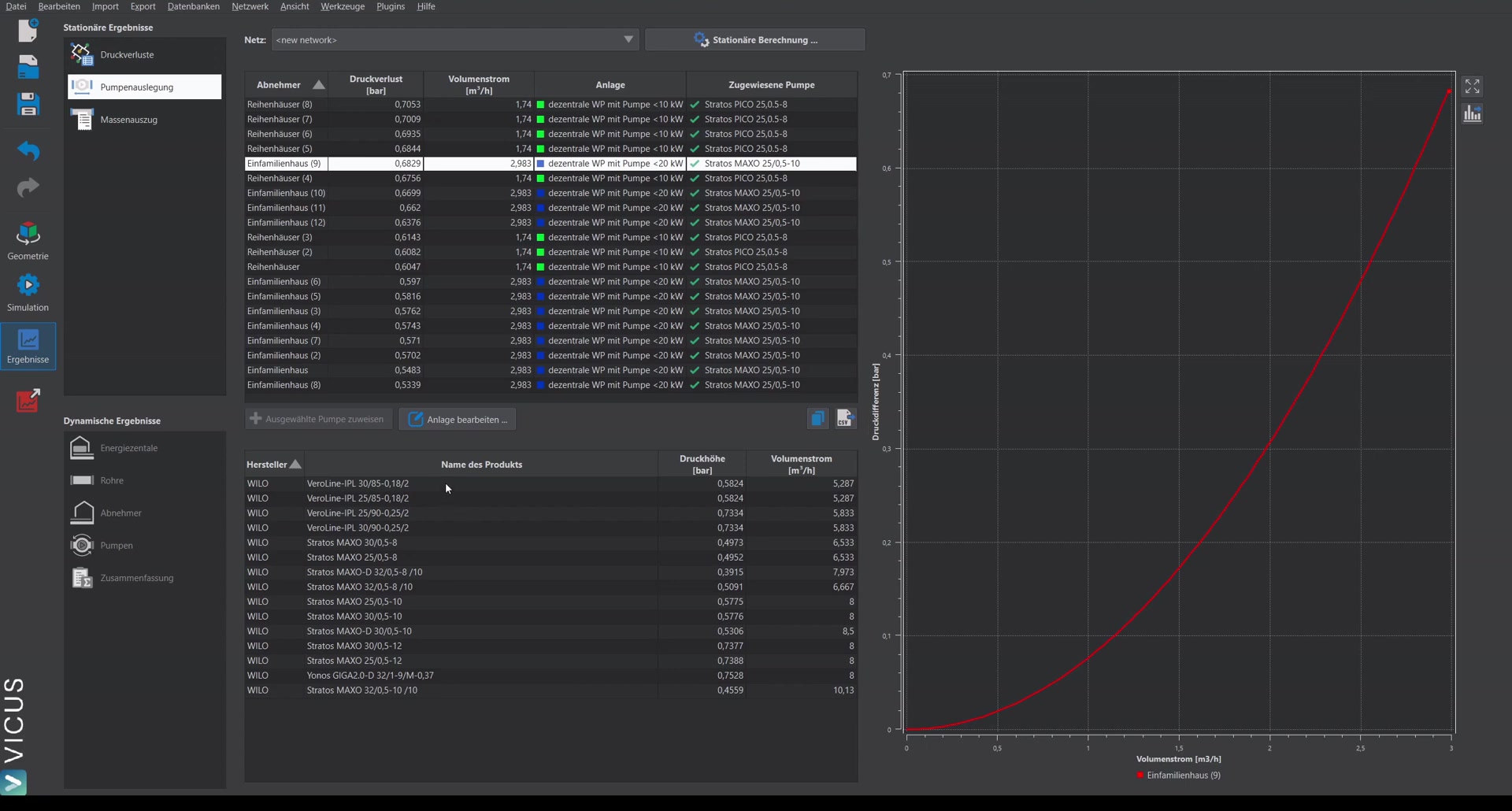
If no pump has been assigned to a system yet, you can select an entry in pump sizing and assign the pump to the system. It will then be automatically applied to all identical systems as well.
The project is now fully prepared for simulation in the next step.