Detailed transfer stations & lowering the supply temperature
District heating network, part 6: configure detailed transfer stations and lower the supply temperature
Overview ▶ 0:08
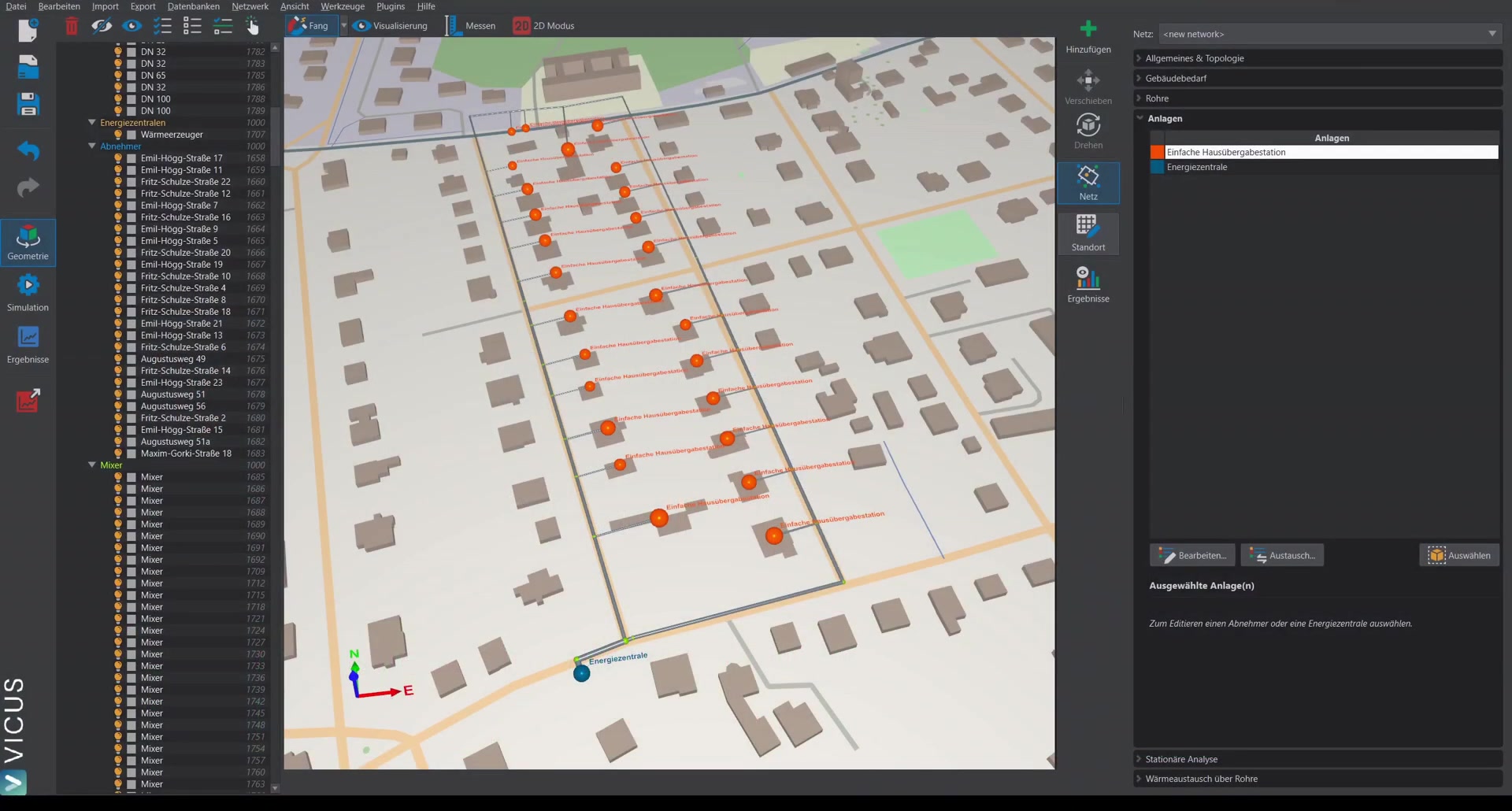
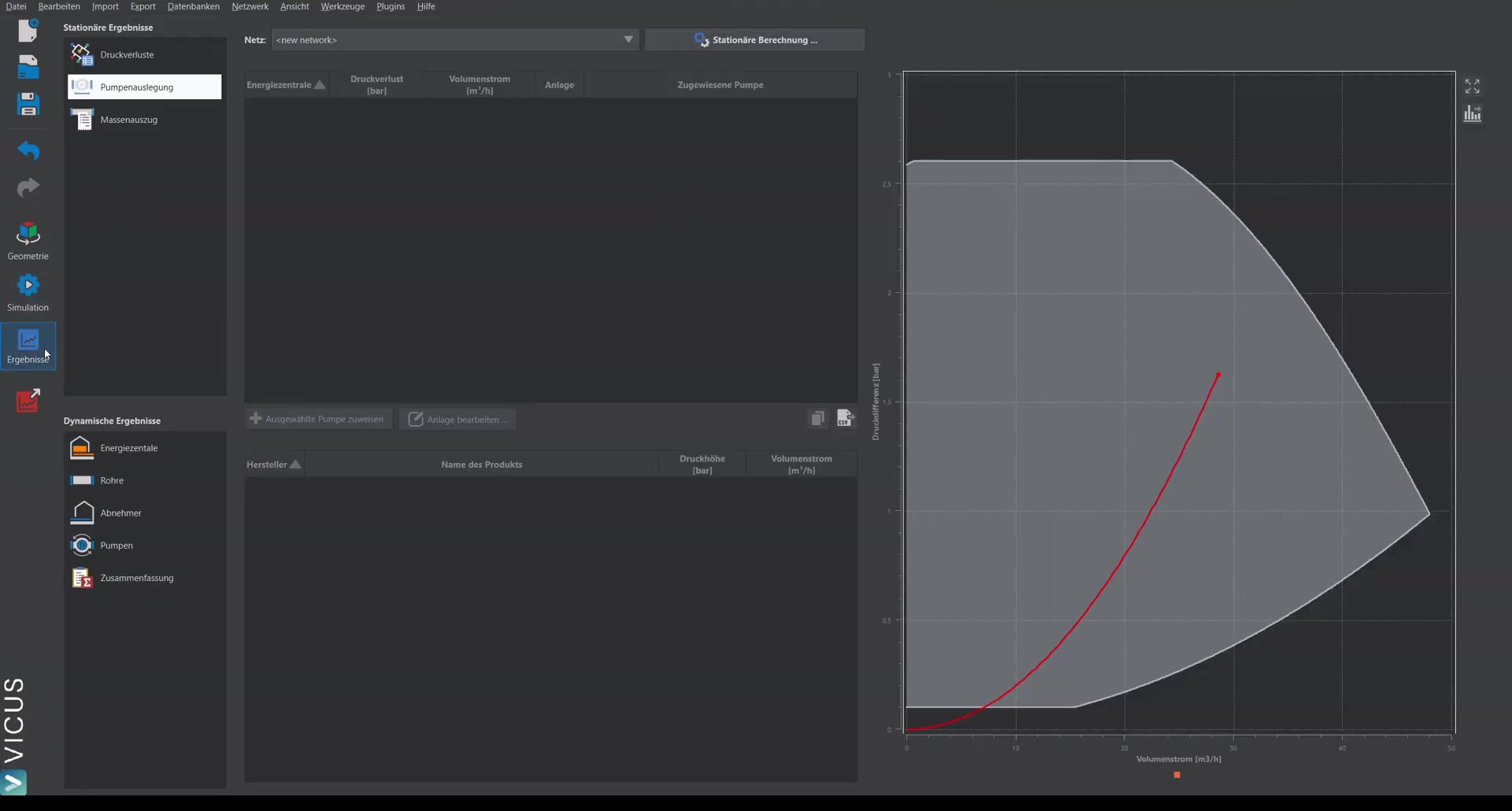
This tutorial demonstrates how to model a more detailed transfer station. Unlike the simple variant, the secondary side of the transfer station is taken into account in the heat transfer. With this model, you can better assess what happens when the network supply temperature is lowered, and undersupply is represented more realistically.
Replacing the transfer station ▶ 0:48
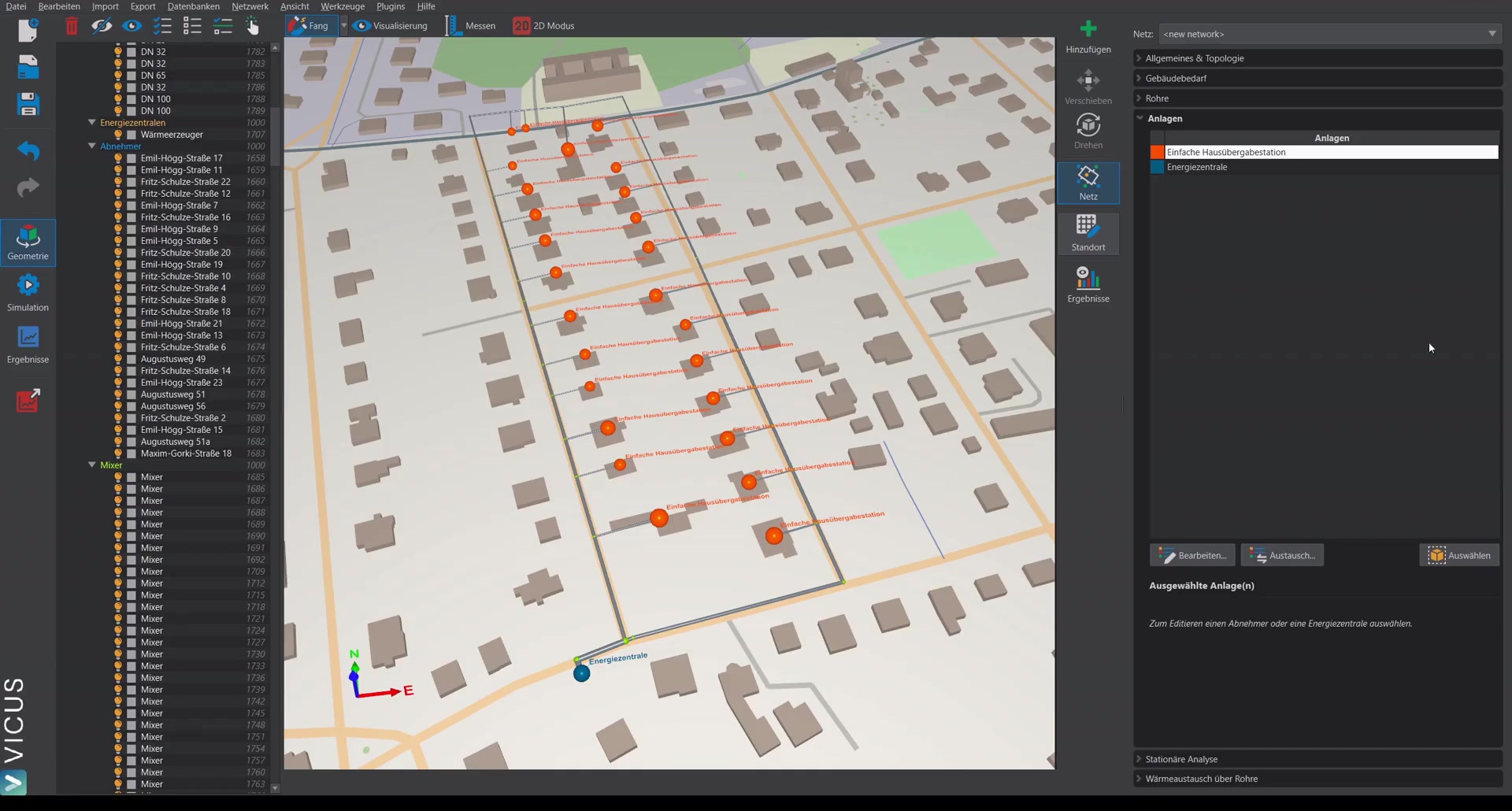
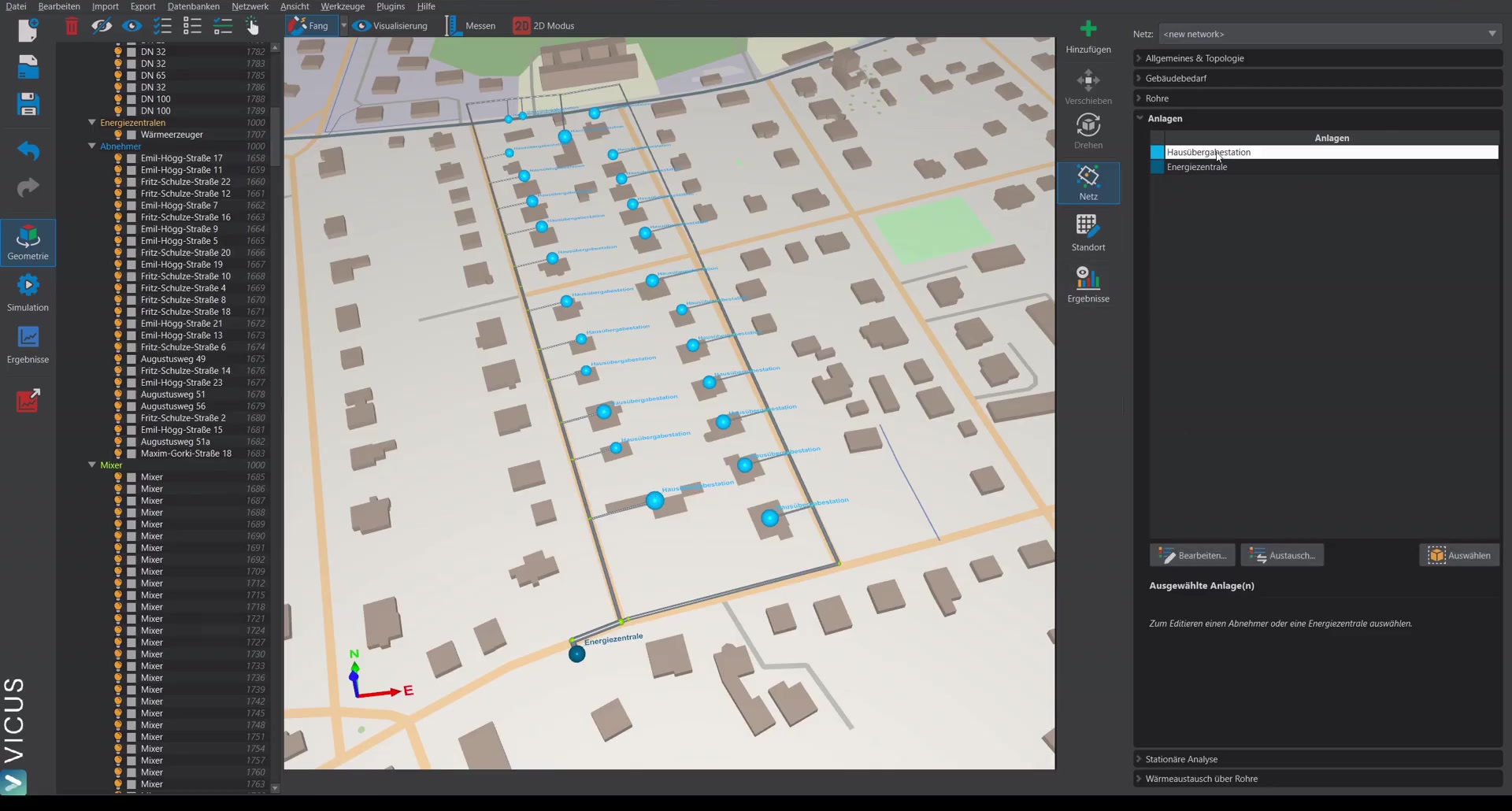
- Select the entry Simple house transfer station and click Replace.
- Use the predefined database entry House transfer station — best to create a copy so that the entry can be edited.
- Select and assign.
Control valve of the detailed transfer station ▶ 1:22
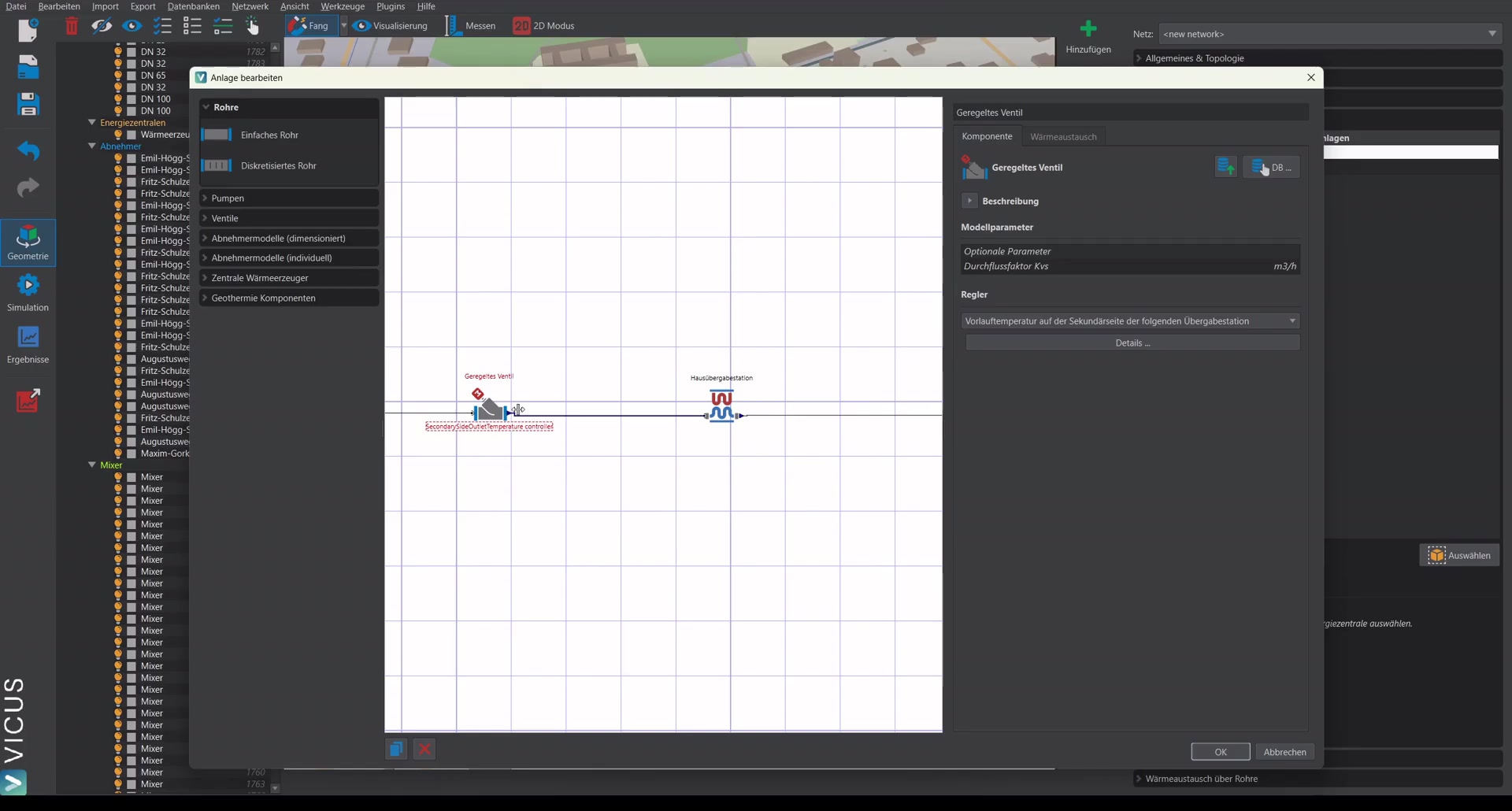
In the system editor, the difference becomes apparent: the control valve now regulates no longer on a fixed temperature difference, but on the supply temperature of the secondary side. This corresponds to the control scheme actually used in district heating networks.
Logarithmic temperature difference ▶ 1:53
The transfer station has a pressure loss (e.g. 0.5 bar) and a logarithmic temperature difference. This is calculated from:
- The supply temperature from the network (primary side)
- The return temperature from the transfer station (primary side)
- The supply temperature of the building (secondary side)
- The return temperature of the building (secondary side)
Note: The smaller the logarithmic temperature difference, the larger the heat exchanger must be. With larger spreads in the network and a larger gap between network supply and building supply, larger logarithmic temperature differences arise — and thus a smaller heat exchanger.
For the example with 78 °C network supply, 70 °C/55 °C building supply/return, a logarithmic temperature difference of 9 Kelvin results.
Simulation with detailed transfer station ▶ 4:28
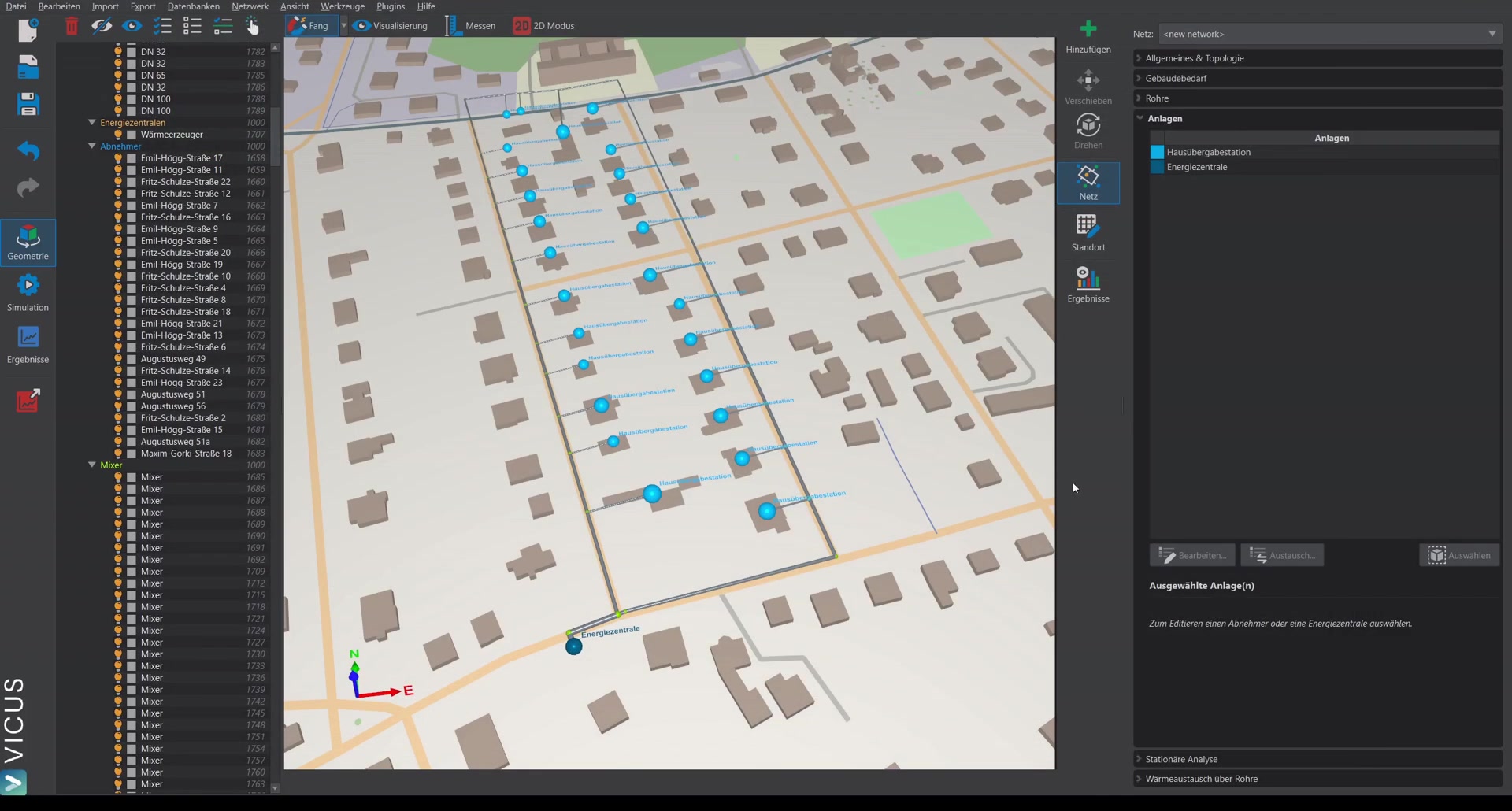
After the 14-day simulation, the results show:
Heating power and temperature difference ▶ 4:53
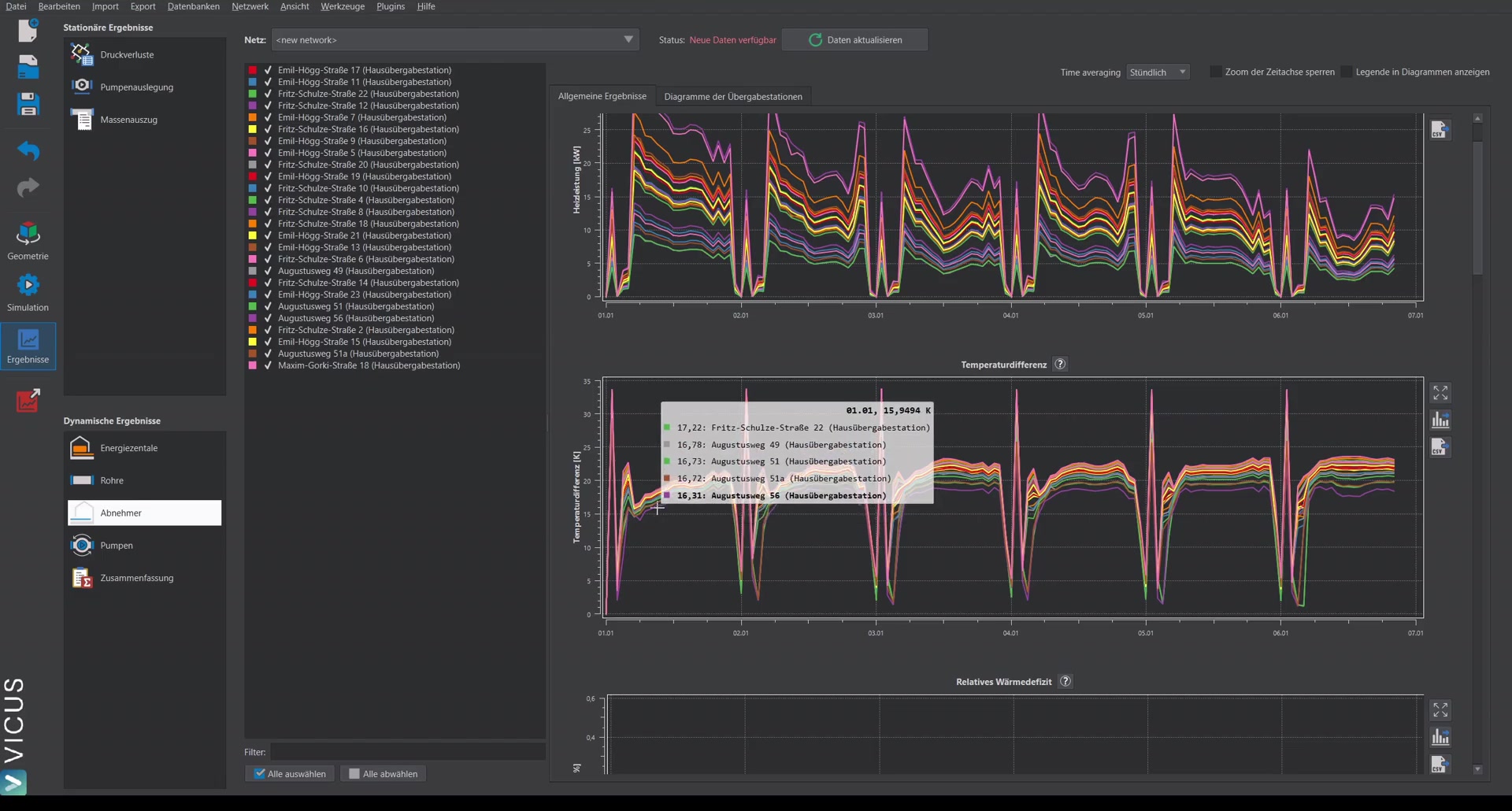
- The heating power of the transfer stations is displayed as usual.
- The temperature difference is no longer exactly 15 Kelvin but fluctuates slightly. This is because the control is no longer on a fixed temperature difference, but on the secondary-side supply temperature.
Heat deficit ▶ 5:30
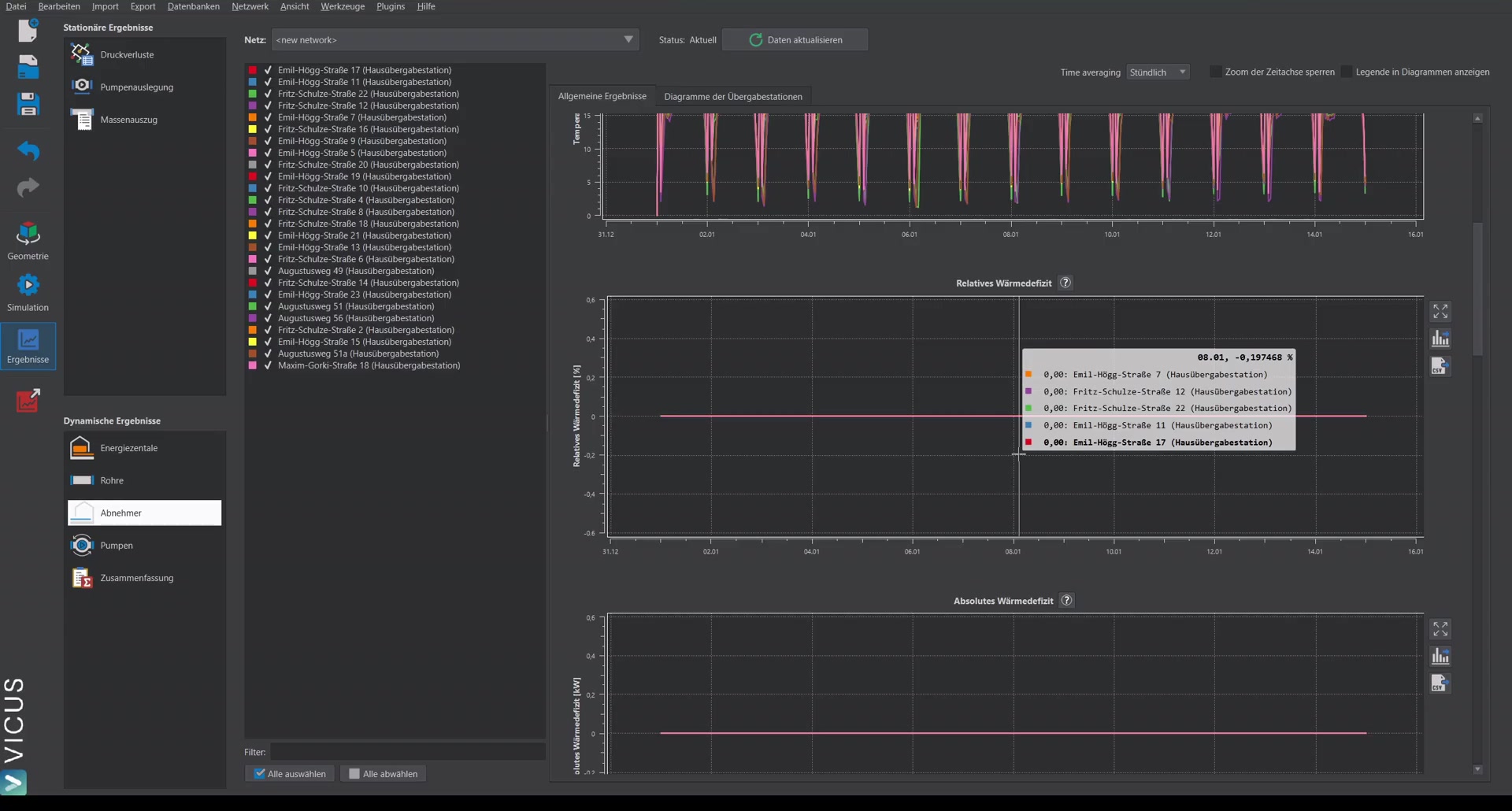
Two new outputs are available:
- Relative heat deficit: Indicates by what percentage the building demand cannot be met.
- Absolute heat deficit: Gives the absolute difference in kW.
At 80 °C network supply, the heat deficit is 0 % — the demand is fully met.
Temperature display ▶ 6:15
An additional tab shows, for each consumer, the inlet and outlet temperatures on the primary and secondary sides:
- Red: Inlet temperature from the network (approx. 78-79 °C)
- Blue (solid): Supply temperature secondary side (actual value)
- Blue (dashed): Supply temperature secondary side (setpoint)
- Light red: Outlet temperature network side
- Light blue: Return temperature secondary side
In addition, for each consumer, the heating power of the transfer station is displayed next to the required heat flow of the building. These do not always match exactly — during load peaks, the heating power cannot always be met immediately because the network takes time to ramp up. The detailed transfer station accounts for a storage effect in this regard.