Annual simulation & heat gains of the network
Cold district heating, part 4: perform the annual simulation and analyze the thermal gains of the network
Overview ▶ 0:10
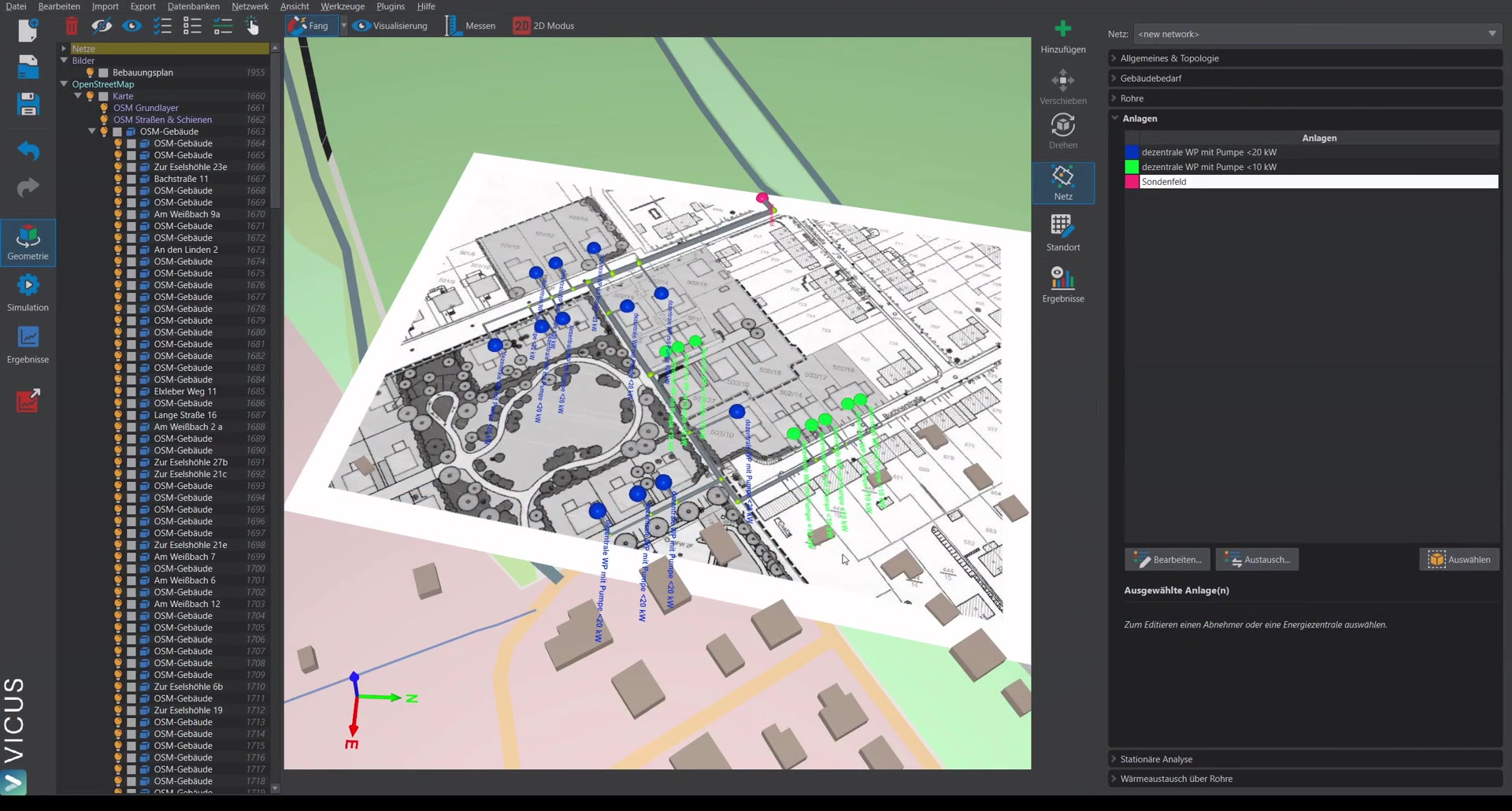
This tutorial demonstrates how to run an annual simulation to determine the heat gains of the pipe network. This is an essential aspect in the planning of cold district heating networks.
Checking the heat source ▶ 0:28
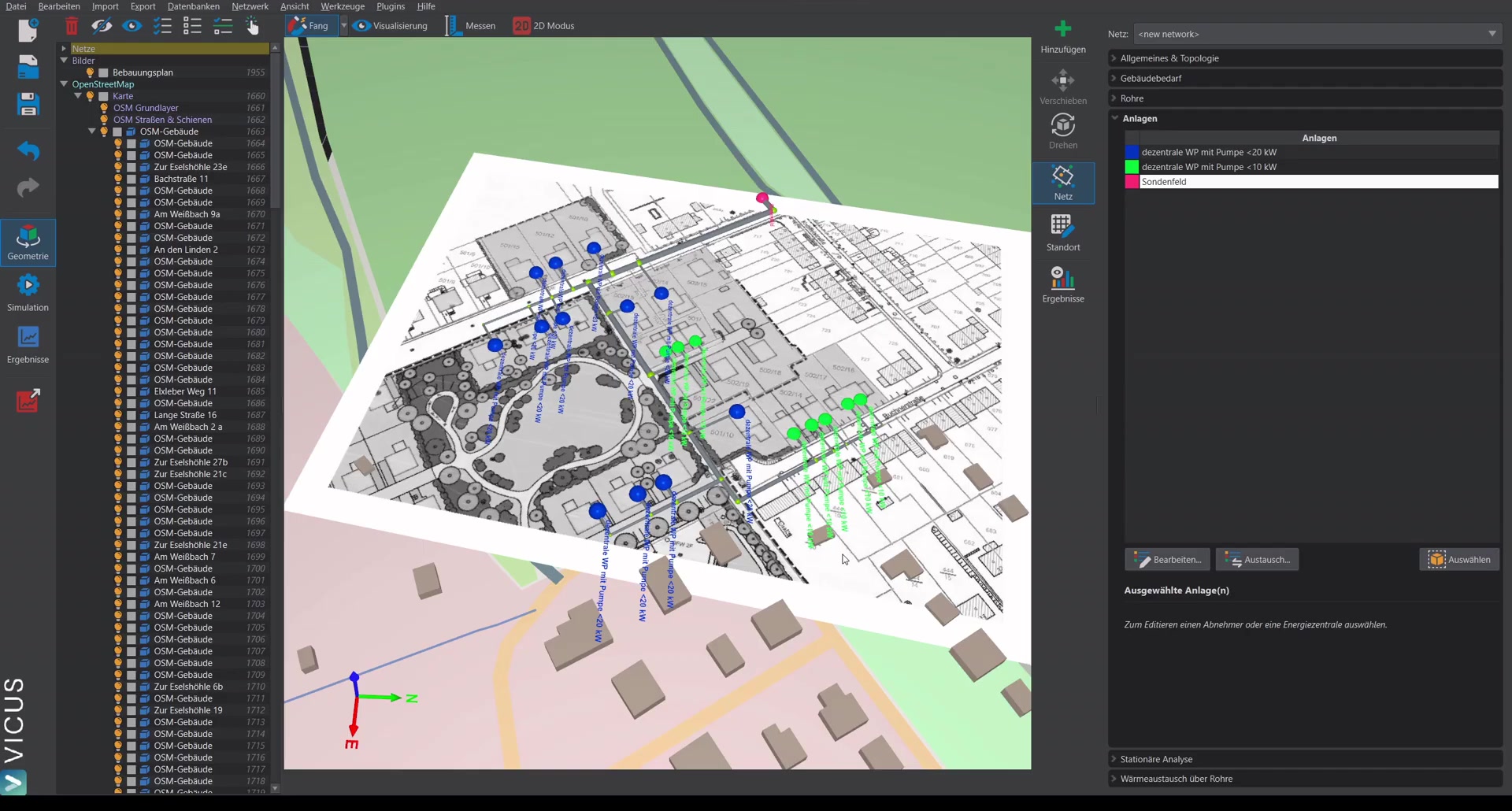
In the baseline example, a probe field is used as the heat source. The probe field model considers:
- Hydraulic losses: Pressure losses of all parallel probes
- Heat exchange: A fixed time series for the probe temperature
Adjusting the probe temperature
If you simulate a cold district heating network with a probe field, you can import the probe temperature from your probe sizing software. Switch to user-defined temperature and select a corresponding TSV file.
Ground boundary conditions for the pipe network ▶ 1:36
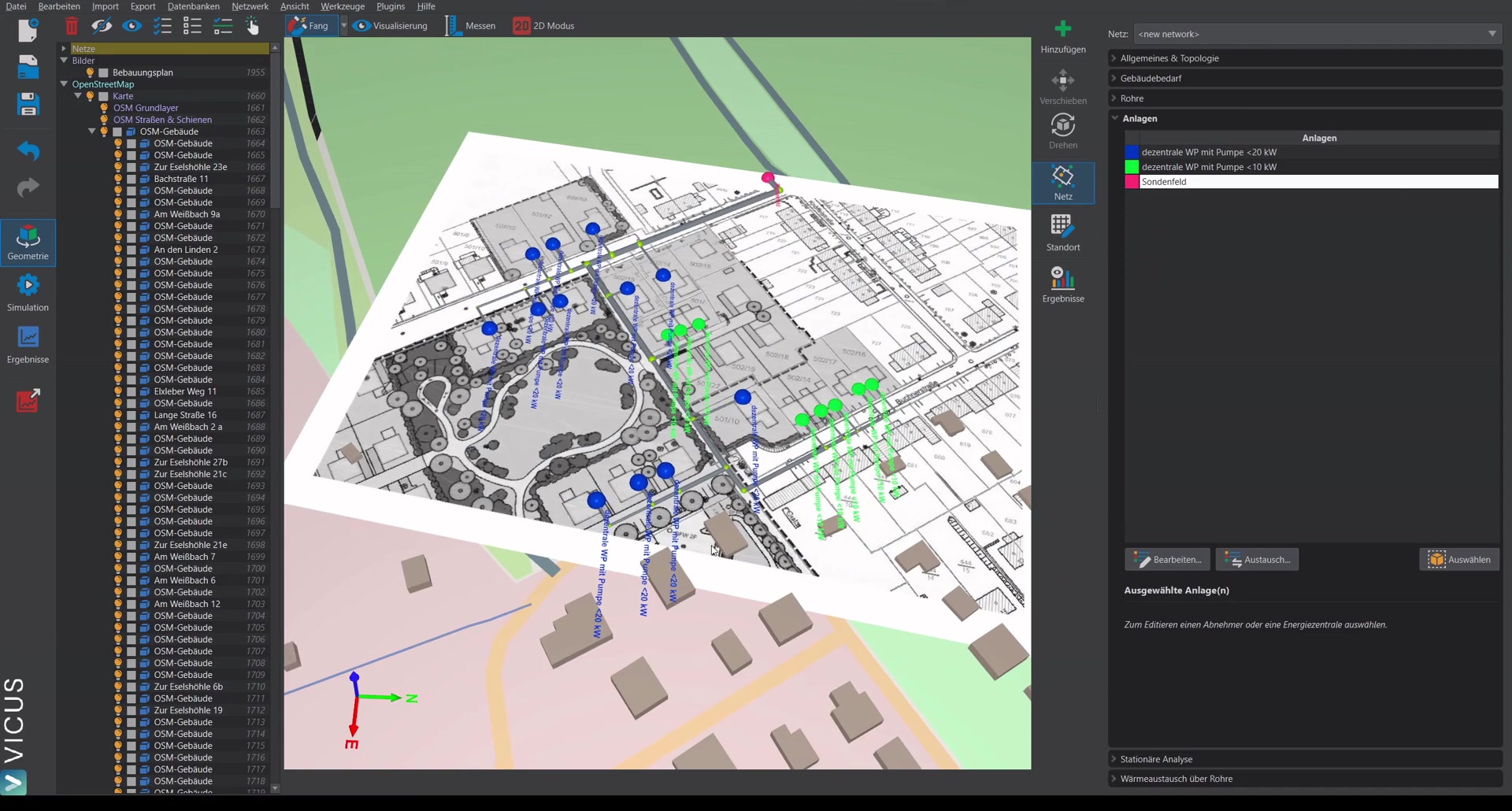
Under Heat exchange via the pipes, the ground boundary conditions can be configured:
- Set the soil type
- Define the burial depth and pipe spacing
- Enter the moisture content of the ground
- Account for ice formation — recommended for simulations with a probe field or collector field in order to capture the full ground heat gains
Alternatively, a fixed temperature can also be prescribed to run a simplified simulation. For a detailed evaluation of the heat gains, the detailed ground model is recommended.
Starting the simulation ▶ 3:15
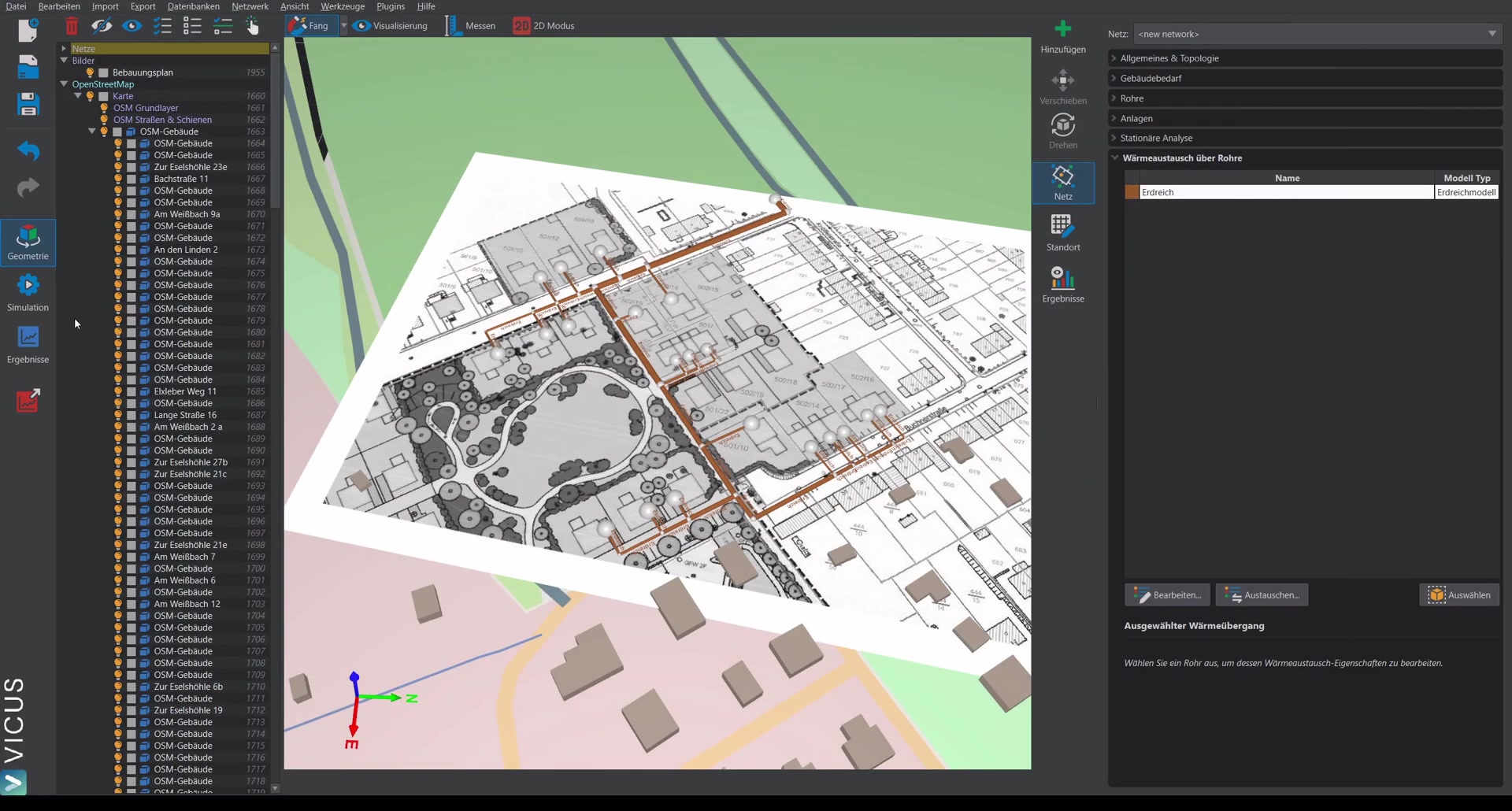
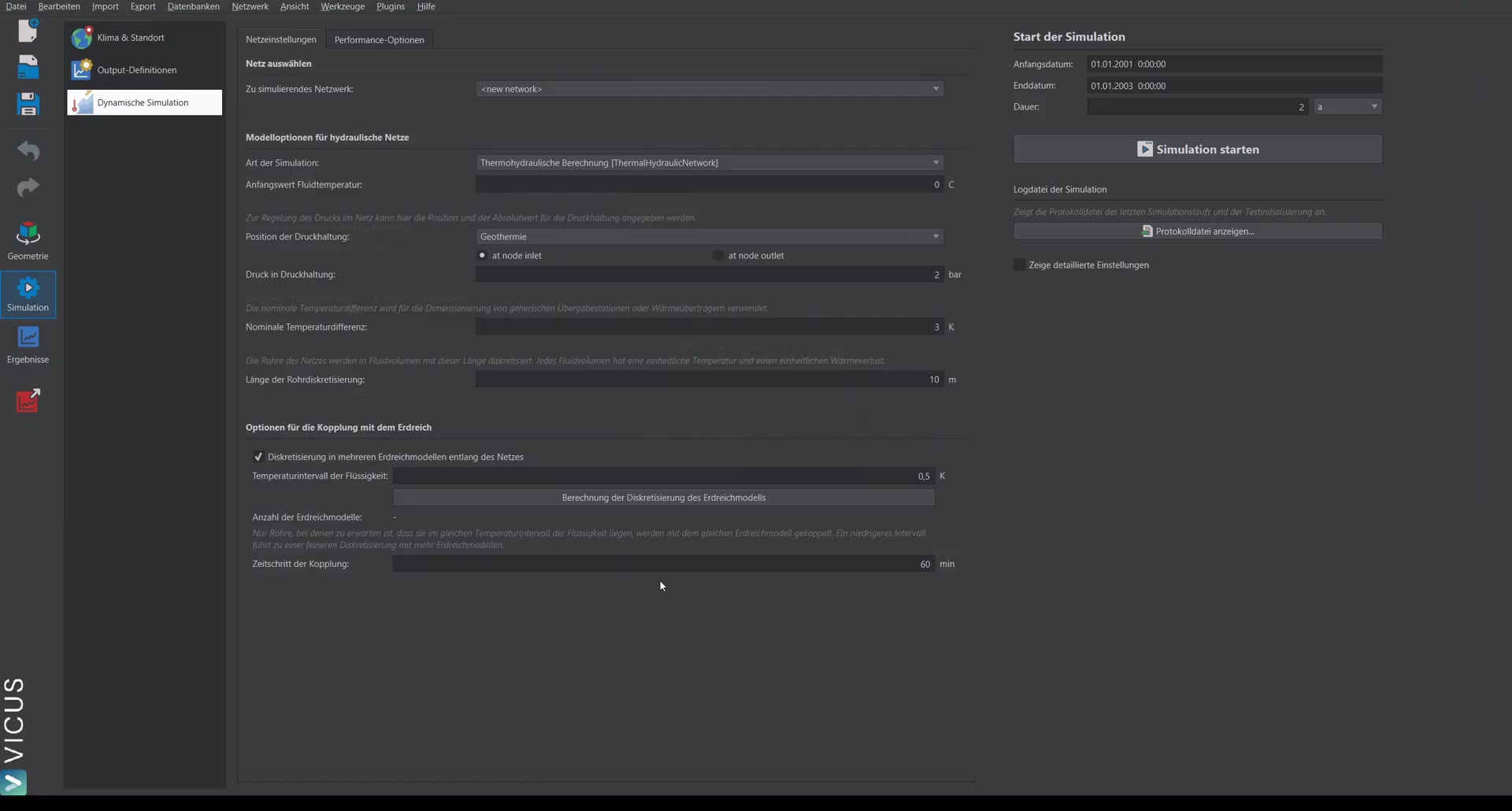
For the annual simulation, the following settings are recommended:
- Simulation duration: At least 2 years, so the ground can settle during the first year. The evaluation then refers to the second year (last 8760 hours).
- Disable fixed time step: With decentralized pumps, the option “Calculate the system only at fixed time steps” can be disabled. This often results in a faster and more stable simulation.
Evaluating the results ▶ 4:38
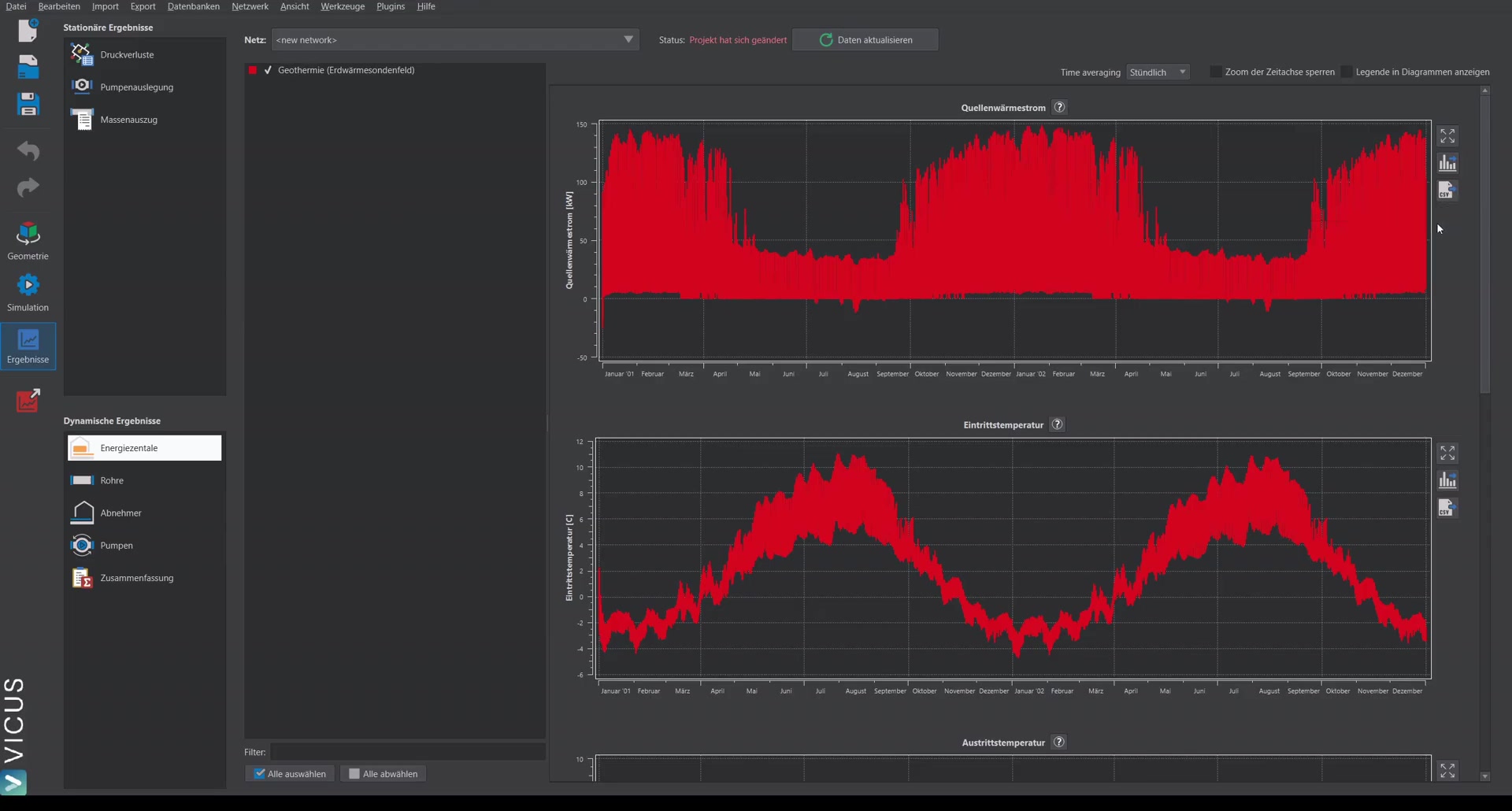
Energy plant (probe field)
One important output is the source heat flow — the heat flow from the ground into the probes. It can be exported as a CSV file and used for a separate probe simulation.
Iterative workflow ▶ 5:27
The recommended workflow for network simulation with a probe field:
- Simulate the network with an assumed probe temperature
- Export the source heat flow from VICUS Districts
- Apply the heat flow in the probe simulation
- Import the resulting temperature back into VICUS Districts
- Iterate this procedure 2-3 times to obtain reliable values for the heat gains
Heat gains of the network ▶ 6:18
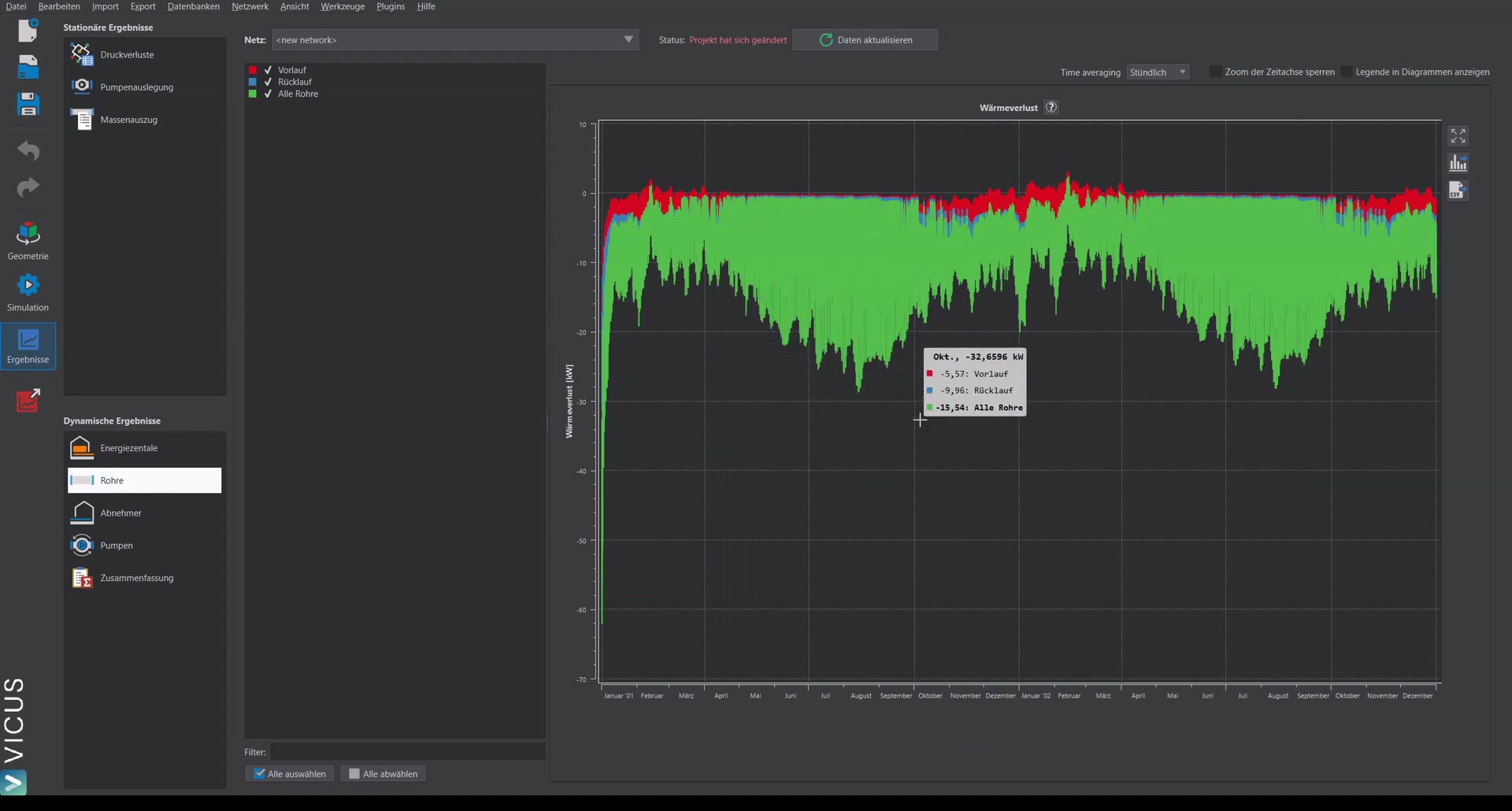
The heat gains of the network are displayed as “heat loss”. Negative values represent heat gains (heat flows from the ground into the network).
Additional results ▶ 6:37
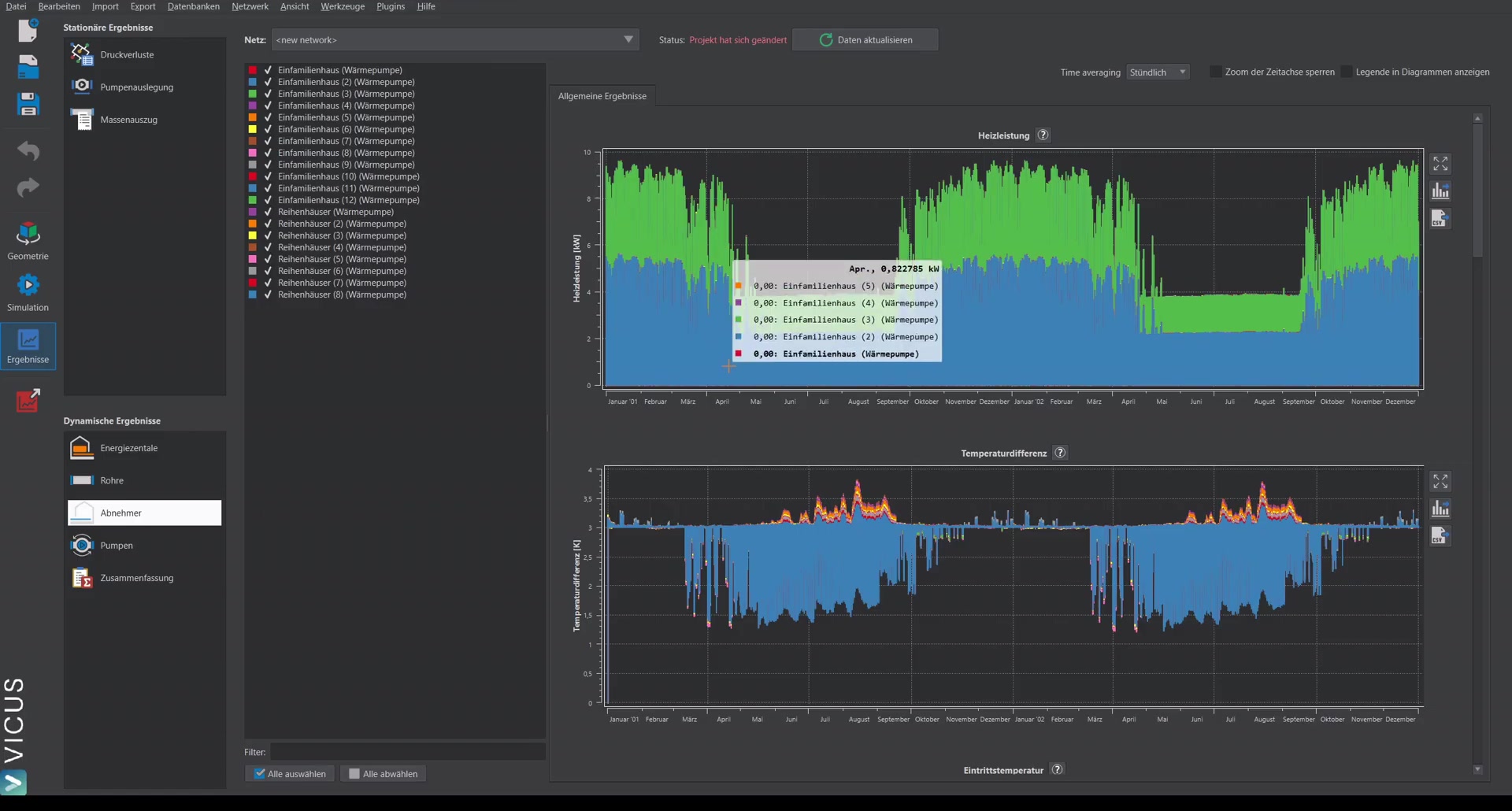
- Heating power of the heat pumps and temperature difference
- COP of the heat pumps: Often higher in winter (heating operation) and lower in summer (domestic hot-water operation only)
- Operating points of the pumps
Summary ▶ 7:27
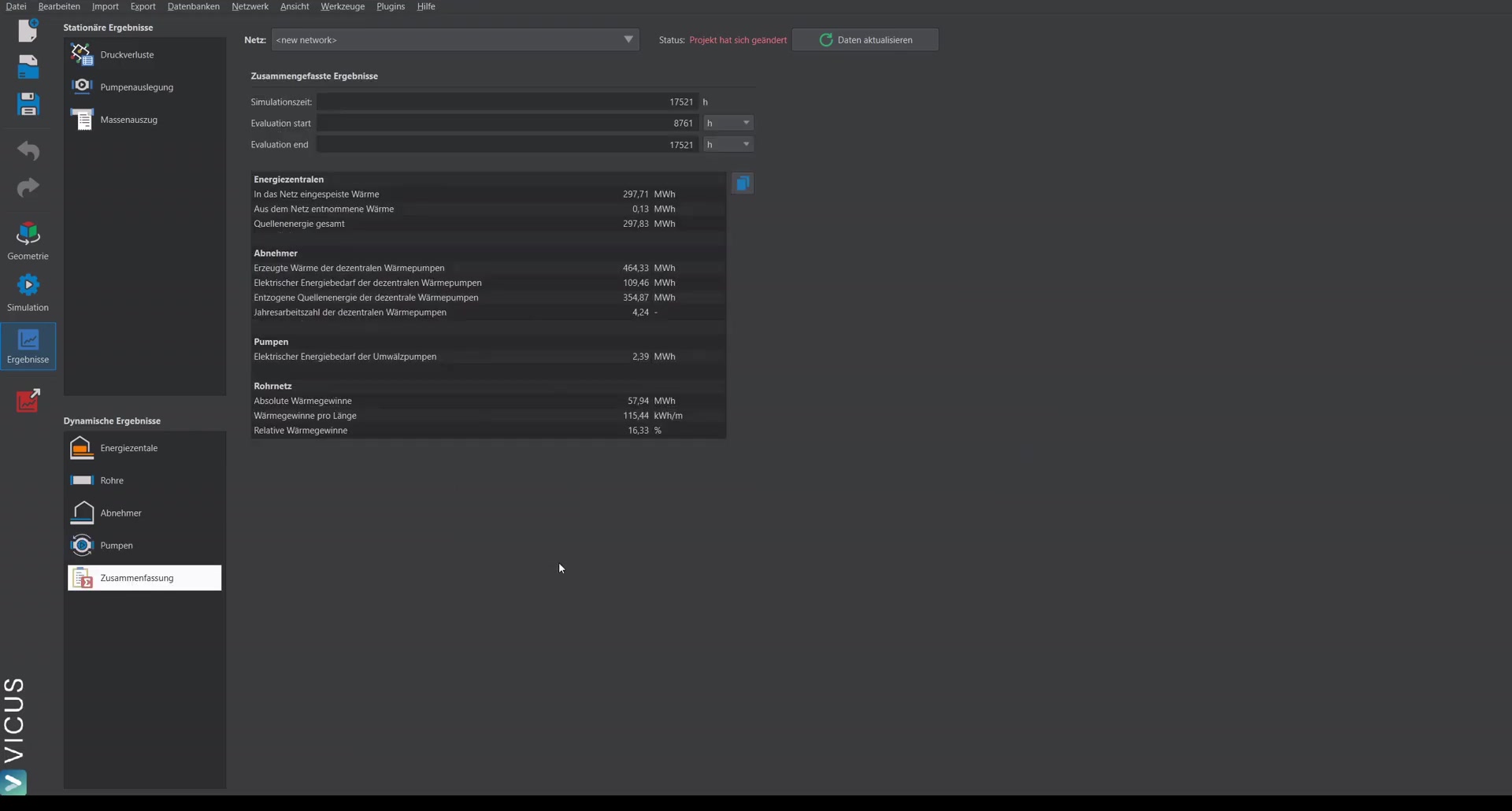
The summary shows at a glance:
- Total supplied heat
- Heat extracted by the heat pumps
- Electrical energy demand of the heat pumps and circulation pumps
- Seasonal performance factor (e.g. approx. 4.2)
- Heat gains in absolute terms (MWh) and relative terms (percent)
The evaluation always refers to the last 8760 hours (one year).
External Post Processing ▶ 8:34
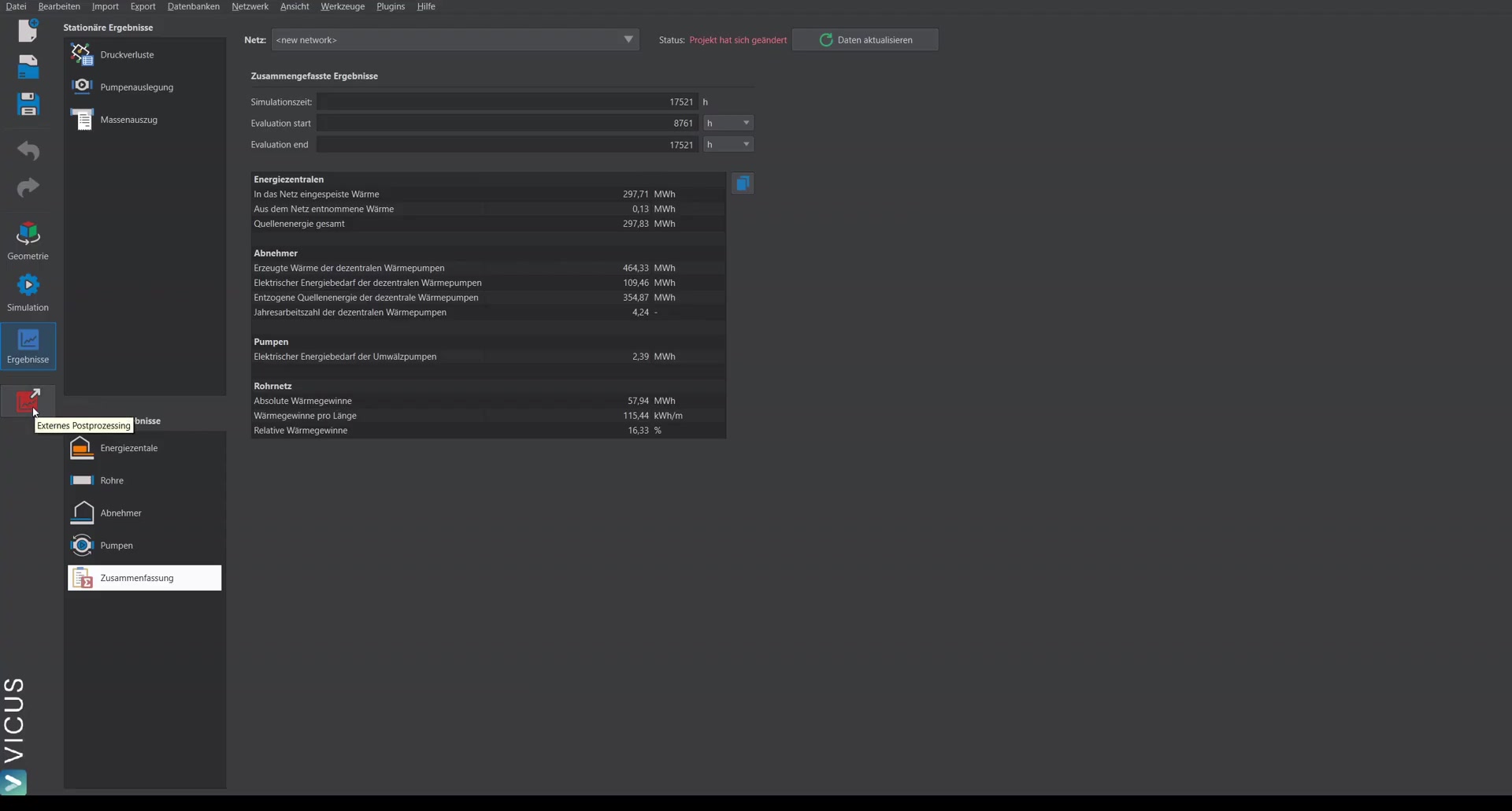
For more in-depth analyses, External Post Processing is available (it must be selected during the VICUS Districts installation). With it you can:
- Evaluate all simulation quantities individually
- Generate diagrams
- Visualize the temperature field in the ground around the pipes